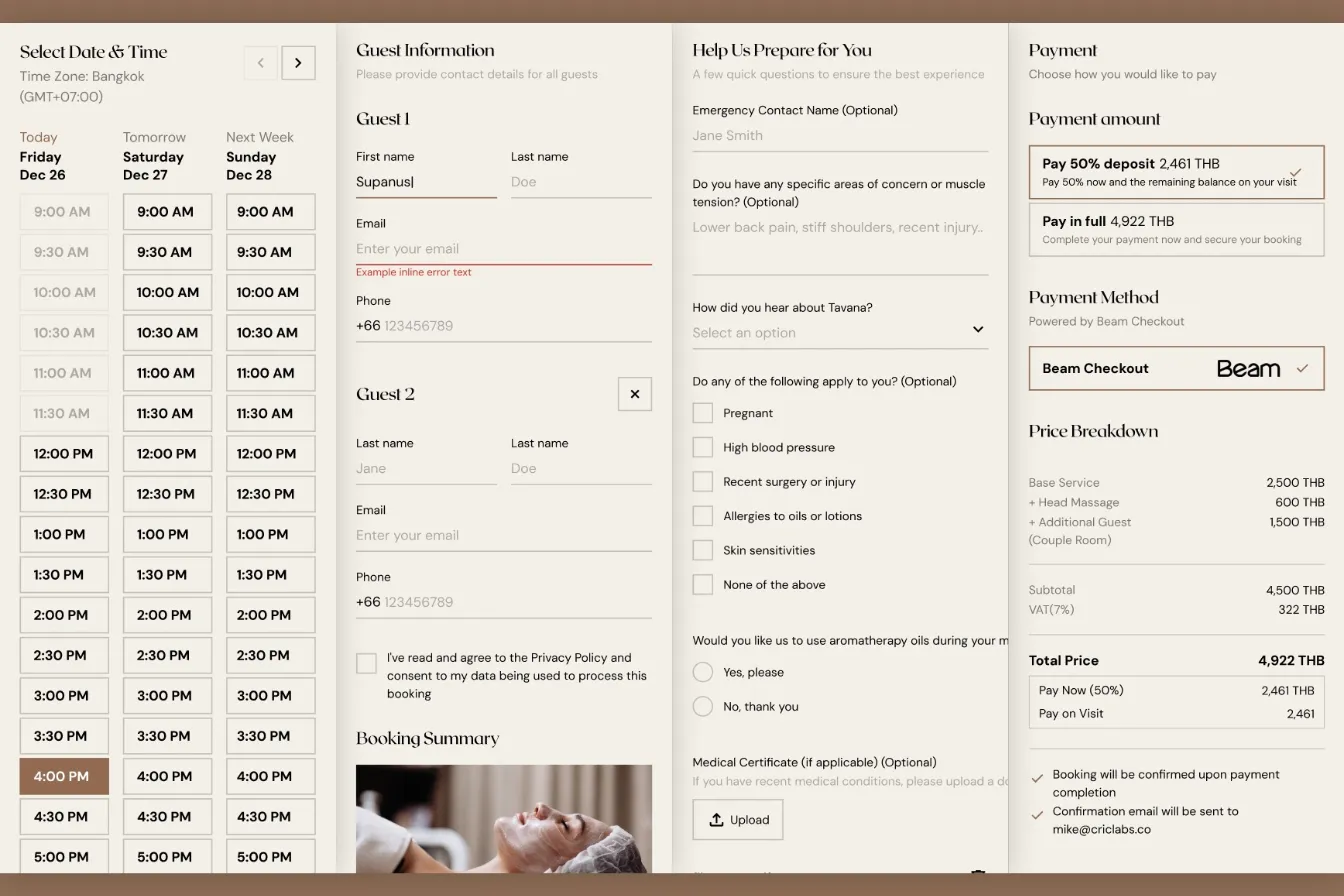
How I Built a Custom Webflow Booking System with Acuity and Beam APIs
I was hired by a software agency as a JavaScript specialist to build a booking system for their client who runs a luxury spa in Bangkok. Bridging Acuity Scheduling API and Beam Checkout API.
The brief was to redesign the entire website from their marketing pages down to their booking system (Acuity Scheduling) and integrate Beam Checkout payments.
The booking system bridges Acuity Scheduling and Beam Checkout into a single smooth experience
The Challenge: Acuity Scheduling Constraints That Ruled Out Every Existing Solution
When I first assessed what the client needed, four constraints eliminated every off-the-shelf option I considered.
First, Acuity's design. Acuity Scheduling was chosen for its ease-of-use, but the customization is limited to fonts and colors.
Second, Beam Checkout. The client needed Beam Checkout, a Thai payment gateway they are using in-store. Unfortunately, Acuity doesn't have a direct native integration with Beam.
Third, custom booking logic. Aside from single time-blocked booking, add-ons, and resource (rooms) management which Acuity already provides, the client needed a custom booking flow that reflects their operation: couple rooms, "Four Hands", and combo packages.
- Couple rooms: two people in a single room. Acuity can only block one therapist and one room for each booking. The workaround was to manually block the other therapist's time, given they're available. This yields a major problem: if there's only one time slot available for the day, and a user adds the "couple room", it would be impossible for another therapist to work on the second person, which forces the management to call or cancel the customer's booking.
- Four Hands: two therapists working on a single person. The same therapist-as-a-resource problem, when the spa can only accommodate one more.
- Combo packages: a chain of services for a single person. Their workaround was to create a single appointment type in Acuity that packages all the services, but it didn't account for the rooms-as-a-resource problem. A facial Red-Light therapy, for example, doesn't need a room in the first place — there's no reason to block a room for the duration of the service, so other services can use it simultaneously.
Fourth, Webflow integration. The current Webflow to Acuity flow means embedding Acuity booking URLs to each services page. With all the challenges and the need to customize the booking logic above, a simple redirect to the booking URL would no longer suffice since Webflow can only support simple embedded scripts.
Any one of these constraints would have required customization. Together, they demanded a fully custom booking system.
My Approach: Building a Custom Booking System that Manages the Logic
I built the booking system as a server-rendered Astro SSR application deployed on Webflow Cloud, mounted at /book within their existing Webflow domain. The system walks guests through four steps: selecting a service, choosing a date and time, filling out a health intake form, and completing payment. Behind the scenes, it orchestrates two completely separate APIs, Acuity for scheduling and Beam for payments, through a centralized proxy layer I designed to handle authentication, error translation, and debugging. This scheduling API integration required careful coordination between systems that were never designed to work together.
The 4-step booking wizard architecture, from service selection through payment confirmation
Here's how I solved each major challenge.
Building The Payment Integration with Beam Checkout API
The payment integration for the web app required Beam Checkout on Webflow Cloud, which meant every standard Node.js approach was off the table. This edge computing constraint shaped every technical decision. Webhook signature verification, critical for confirming legitimate payment callbacks, typically uses Node's crypto.createHmac(). I couldn't use it.
Instead, I implemented HMAC-SHA256 verification using the Web Crypto API:
crypto.subtle.importKey()to load the signing secretcrypto.subtle.sign()to compute the signature- Constant-time comparison to verify webhook authenticity
For environment variables, I created a centralized getEnv() helper that reads from locals.runtime.env, Cloudflare's runtime context, since process.env doesn't exist at the edge. HTTP Basic Auth for the Beam API used btoa() instead of Node's Buffer.from(). Every API route exports prerender = false to ensure dynamic runtime execution.
Developer Notes. I sometimes refer to Webflow Cloud as Cloudflare edge workers, although the services are not the same, the app is not hosted on Cloudflare, but Webflow Cloud is modeled after Cloudflare workers (or maybe a wrapper for it), so the technology and implementation is the same.
The result: a fully working Beam Checkout integration with sub-50ms API response times at the edge, with full payment processing supporting cards, installments, e-wallets, mobile banking, and a customized thank you page that contains the booking and payment information — instead of a generic Webflow-hosted thank you page.
Payment-First Architecture: No More Ghost Appointments
Traditional booking systems create the appointment first, then collect payment. This creates ghost appointments, calendar slots blocked by users who never complete checkout. For my client's operations, with limited therapist availability and services priced up to 15,000 THB, phantom bookings could prevent real customers from booking their preferred times.
I flipped the flow. When a guest clicks "Proceed to Payment," my system creates only a Beam payment link. The full booking data is stored in sessionStorage. The guest is redirected to Beam's hosted checkout page. Only after they return to the success page, and my server verifies the charge with Beam's API, does the system create appointments in Acuity.
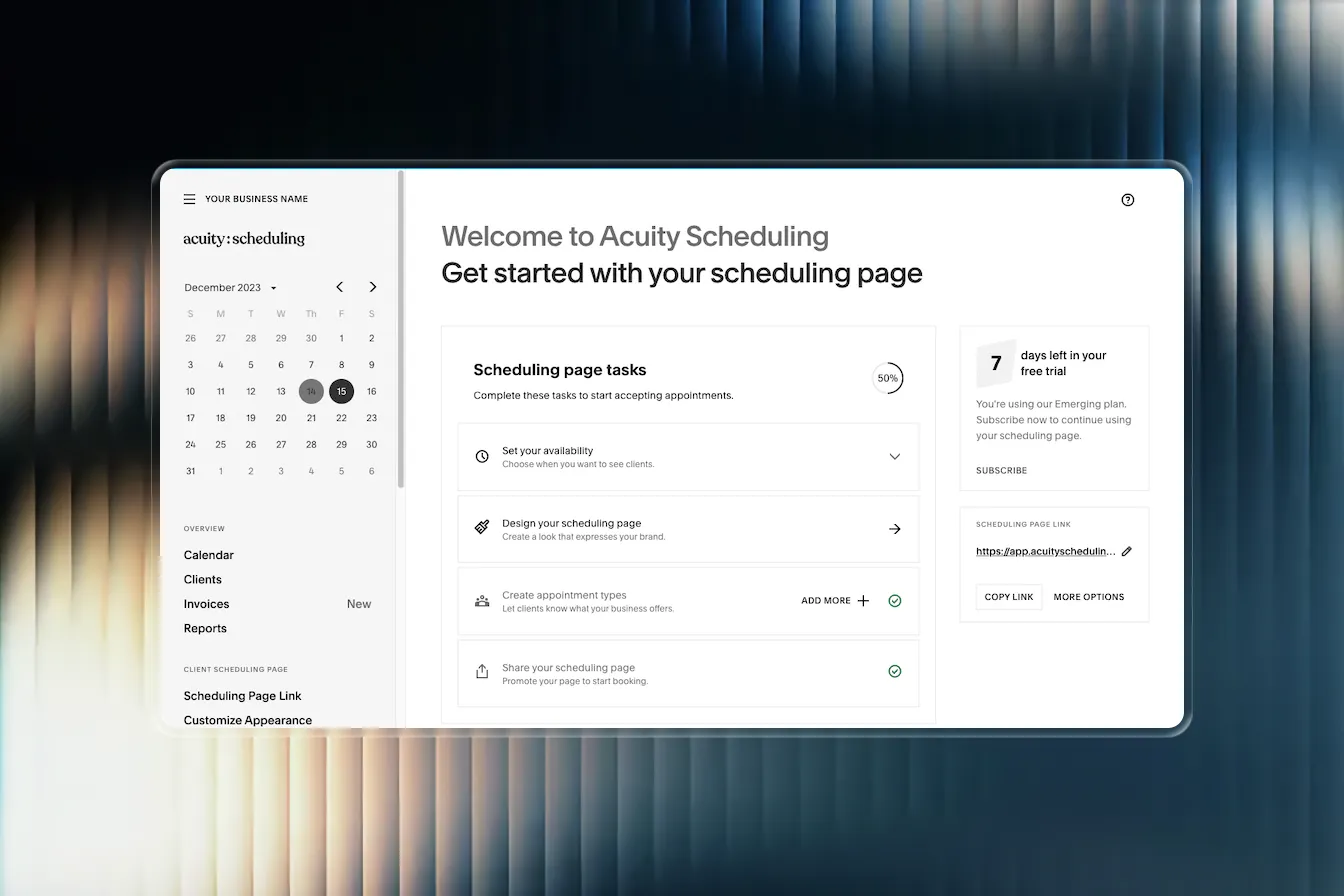
Payment-first architecture eliminates ghost appointments that block calendar availability
For couple bookings, appointments are created sequentially with cross-reference IDs embedded in the notes, so spa staff can easily see which bookings are paired. I also built a separate cash payment path for walk-in guests that creates appointments immediately without the payment verification step.
One edge case I had to handle: Beam doesn't always return a chargeId in the redirect URL. My confirmation endpoint falls back to searching by referenceId when the direct charge lookup fails, a resilience pattern that has already caught real edge cases in production.
Cracking the Couple Booking Problem With a 3-Layer Guard System
This was the most technically interesting challenge of the entire project. Acuity's API returns a field called slotsAvailable for each time slot. Naturally, I assumed this was a count, that slotsAvailable: 2 meant two calendars were free and slotsAvailable: 1 meant only one was available.
It's not a count. It's a boolean flag disguised as a number.
slotsAvailable: 1 means "at least one calendar has this slot free." It could be one calendar. It could be five. The API doesn't tell you. This is undocumented behavior. I only discovered it after testing revealed couple bookings being allowed when only a single therapist was available.
To solve this, I built a per-calendar availability system that queries each therapist calendar individually using Promise.all, then counts the actual number of free slots. On top of that, I implemented three independent guards to prevent double-booking:
| Guard Layer | Where It Runs | What It Does |
|---|---|---|
| UI Guard | Browser (Step 1) | Disables the "Additional Guest" add-on when fewer than 2 calendars are free |
| Pre-Payment Guard | Server (Step 3) | Re-verifies availability before showing payment options. Catches changes since Step 1 |
| Server Guard | API endpoint | Final check before creating the payment link. Returns HTTP 409 Conflict if slots dropped |
⚠️ Warning. In the booking system, Acuity's
slotsAvailablefield looked like a count but behaved as a boolean, a distinction that would have allowed double-booked therapist pairs without the per-calendar guard system I built.
Instead of creating separate appointment types for "single" and "couple" bookings in Acuity (which would have doubled the calendar management work for the spa staff), the couple option was modeled as an "Additional Guest" add-on. When a guest selects it, the system triggers the per-calendar availability check, then it shows two guest forms in the next step. This kept Acuity's admin interface clean while handling the complexity in my code.
Booking Two Therapists at Once: The Four Hands Massage
A Four Hands massage is one customer with two therapists working simultaneously. On paper it sounds like a couple booking in reverse, but it created a different problem: instead of two guests needing two slots, it's one guest who silently consumes two therapist calendars at the exact same time.
The first instinct would be to create a dedicated "Four Hands" appointment type in Acuity for every service. I avoided that. It would have doubled the spa's calendar-management burden and duplicated every service. Instead, the entire feature is driven by a single URL parameter:
/book/{appointmentTypeId}?fourHands=true
The server detects this and flips the whole flow into Four Hands mode, passed to the browser as window.FOUR_HANDS_MODE. In Webflow, a single boolean CMS field ("Is Four Hands") toggles a data-four-hands attribute, and the shared service script appends the parameter automatically. No new appointment types, no duplicated services.
The technical core is slot pre-filtering. A normal booking shows every available time. Four Hands can't — a time is only valid if two therapist calendars are free for it. So getFourHandsTimeSlots() queries each calendar individually, builds a map of { time → count of free calendars }, and only surfaces times where the count is 2 or more. This reuses the same per-calendar counting insight from couple bookings: because Acuity's slotsAvailable is a boolean in disguise, you must count calendars yourself.
That client-side filter is backed by a server guard before any payment link is created (rejecting with HTTP 409 if a second calendar disappeared mid-flow), and then after payment, two Acuity appointments are created at the identical datetime. No calendarID is specified, so Acuity's round-robin assigns two different therapists automatically.
Pricing had a subtle twist: totalPrice = servicePrice + (addonsPrice × 2)
The base service price is already the full Four Hands rate in Acuity, so it's used as-is. But add-ons are charged twice — one per therapist — using quantity: 2 on the Beam line items.
⚠️ Warning. Acuity's UI displays the wrong price per appointment here, and there's no way to fix it. Each of the two appointments independently prices itself at base + add-ons at face value, so a 3,600 THB service with 600 THB add-ons shows 4,200 THB on each Acuity appointment. Beam correctly charges 4,800 THB total. The lesson: treat the payment processor as the source of truth, never the scheduler.
Combo Packages: Orchestrating a Multi-Service Booking Acuity Can't Model
Combo packages let a customer book several services back-to-back — say Red Light therapy followed by an Aromatherapy massage — picking a single start time and paying once. Acuity has no native concept of this. Its "packages" feature is a prepaid voucher system, not a sequential booking bundle, and it offers no atomic multi-booking and no slot locking.
There were two ways to build it. Option A was to create one Acuity appointment type per combo with the combined duration — zero code, but it treats the whole combo as a single block in a single room. Option B was to orchestrate everything at the application layer. The client chose Option B for one decisive reason: their combos move the customer between rooms and therapists mid-package (e.g., a Red Light room staffed by reception, then a treatment room with a therapist). A single block can't model that handoff, and Option B also lets each service track its own calendar independently and lets new combos be defined without touching Acuity admin at all.
Like Four Hands, the whole feature is URL-driven — no config files, no database:
/book/{firstServiceId}?combo={id2,id3,...}&name={displayName}&image={imageUrl}
A new combo is just a new Webflow CMS entry that builds this URL. The absence of the combo param means a regular booking, so the existing flow was completely untouched.
The hard part was availability intersection. Each service in the combo has its own availability, its own duration, and Acuity snaps everything to a 15-minute scheduling grid that rarely lines up with real service durations. A naive "service 2 starts exactly when service 1 ends" would find almost no valid times. So I built a nearest-available-slot matching engine (combo-availability.ts):
- Fetch availability for every service in parallel (Promise.all).
- For each candidate start time, compute when the next service should begin (start + duration).
- Find the nearest real slot for that next service at or after that moment.
- Allow up to a 15-minute gap (MAX_GAP_MINUTES) to absorb grid misalignment.
- Only surface start times where every service chains successfully within tolerance.
let currentEnd = startMinutes + segments[0].duration;
for (let i = 1; i < segments.length; i++) {
  const nearest = segmentMinuteArrays[i].find(t => t >= currentEnd);
  if (nearest === undefined || nearest - currentEnd > MAX_GAP_MINUTES) {
    allAvailable = false; break;
  }
  currentEnd = nearest + segments[i].duration;
}
After payment, the system creates one Acuity appointment per service, each at its own computed datetime and its own appointment type, with intake forms deduplicated across services (combos often share forms) and field sets filtered per segment so each appointment only receives the fields it owns.
Two deliberate constraints kept the scope sane: pricing is recalculated server-side from Acuity's real appointment-type prices (client-sent prices are ignored, so totals can't be tampered with), and add-ons are disabled in combo mode — supporting them would have required mapping each add-on to a specific service and recomputing every downstream duration and availability window.
⚠️ Warning. Because Acuity has no multi-appointment transaction, combo creation is not atomic — if the second appointment fails after the first succeeds, the first is left orphaned with no automatic rollback. I mitigated this with a server-side guard that re-verifies all segments are still available immediately before the payment link is created, shrinking the race window to its smallest practical size. The honest trade-off of Option B's flexibility is a wider failure surface than a single-block booking.
Results and Business Impact
The finished booking system handles services ranging from 990 to 15,000 THB, supporting single, couple, Four Hands, and combo package treatments. Here's what the project delivered:
| Metric | Result |
|---|---|
| API response times | Sub-50ms at the edge |
| Ghost appointments | Zero. Payment-first architecture eliminated them |
| Double-booked therapists | Zero. 3-layer guard system prevents couple booking conflicts |
| Payment methods supported | Beam Checkout and Cash |
| Development timeline | 3 weeks, 57 commits from first commit to production |
The booking experience feels like a native part of the Webflow marketing site following the design requirements sent to me. Same fonts, same colors, same smooth-scroll behavior, same brand energy. Guests move from browsing treatments to completing a booking without any jarring transitions. The spa staff manages everything through Acuity's existing admin interface, so there are no new tools to learn.
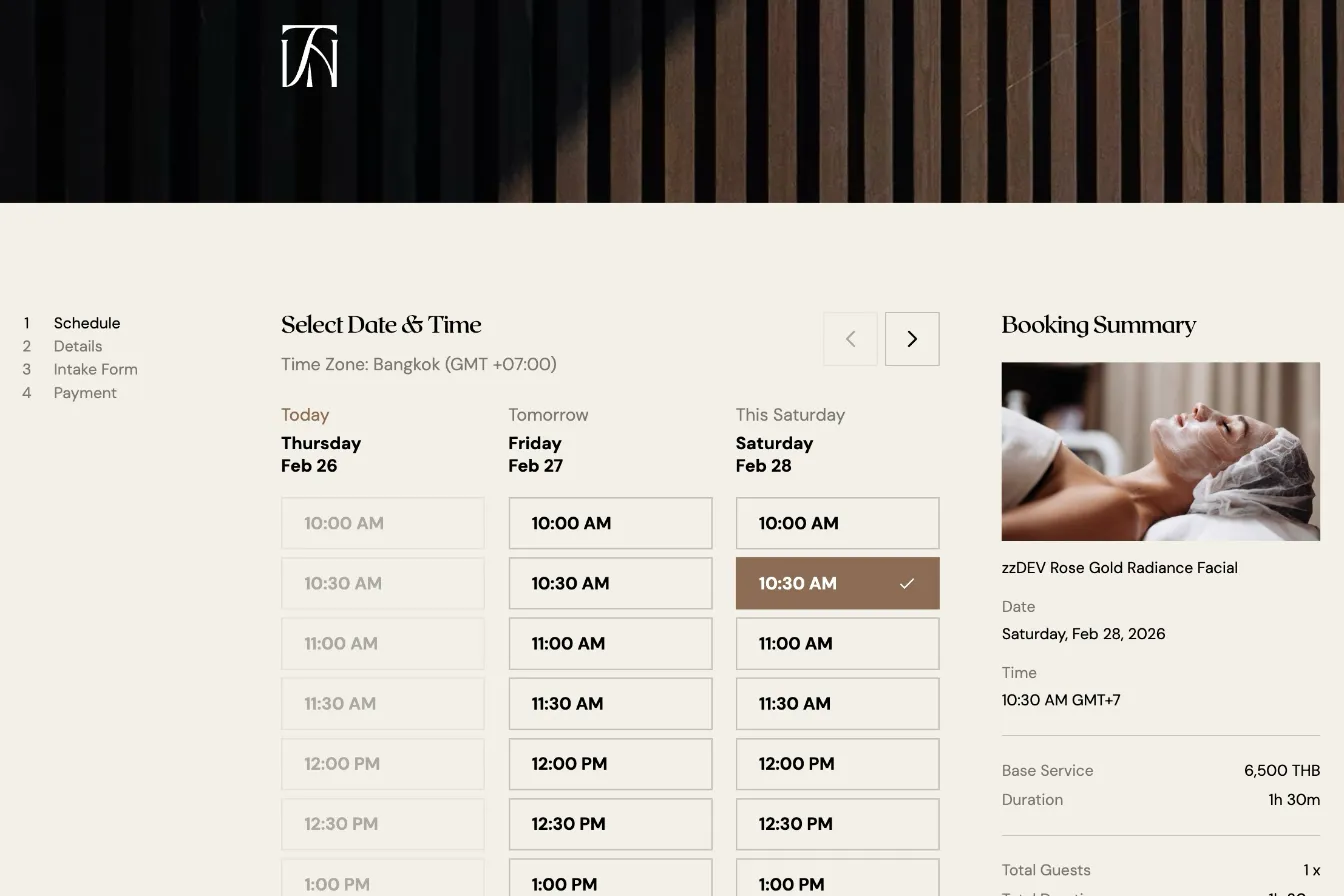
A stable, edge-native booking system built to handle the complexity of luxury spa scheduling
Gotcha: Coupons and Vouchers Were Deliberately Left Out of Scope
Acuity has its own coupon and gift-certificate system, but it only fires inside Acuity's own hosted checkout — and the custom booking wizard bypasses that checkout entirely. Pricing is calculated server-side from each appointment type's base price and handed straight to Beam, so any promo, discount code, or certificate created in Acuity is simply invisible to customers booking through the website. Crucially, the Acuity API offers no redemption endpoint: there's a checkCertificate() call to validate a code, but nothing to actually consume one, mark it as used, or prevent it from being redeemed twice. Supporting coupons properly would therefore mean building a fully-featured discount engine inside the app — a promo-code input, server-side validation, single-use enforcement and redemption tracking, and an adjusted Beam payment amount — which in turn requires a database to persist code state across bookings. That's a standalone feature with its own data layer, not a small addition to the booking flow, so it was scoped out. The pragmatic stopgap is to edit an appointment type's price directly in Acuity (reflected instantly), with the understanding that it applies to everyone rather than acting as a targeted, single-use promotion; or using Acuity's checkout page to redeem the coupons and gift certificates directly — which they implemented as a workaround.
Key Takeaway
This was a custom booking system built from scratch — integrating Acuity Scheduling for calendars and availability, Beam Checkout for payments, all running on Astro SSR atop Cloudflare Workers and deployed through Webflow Cloud. Stitching three independent platforms together (none of which were designed to know about the others) is where the real work lived.
And it reinforced something I've seen across many client engagements: the gap between what an API says it does and what it actually does is where the most important engineering happens. The slotsAvailable field that wasn't a count, the payment redirect that sometimes omits the charge ID, the edge runtime that looks like Node.js but isn't, the coupon system with no redemption endpoint. Each of these required investigation, defensive coding, and architecture decisions that no off-the-shelf widget or drop-in booking plugin could have handled. When a business has unique requirements — room and therapist handoffs mid-combo, two therapists on one slot, payments routed through a processor the scheduler never sees — custom systems built with care don't just solve the immediate problem. They eliminate entire categories of future issues.
Related Posts
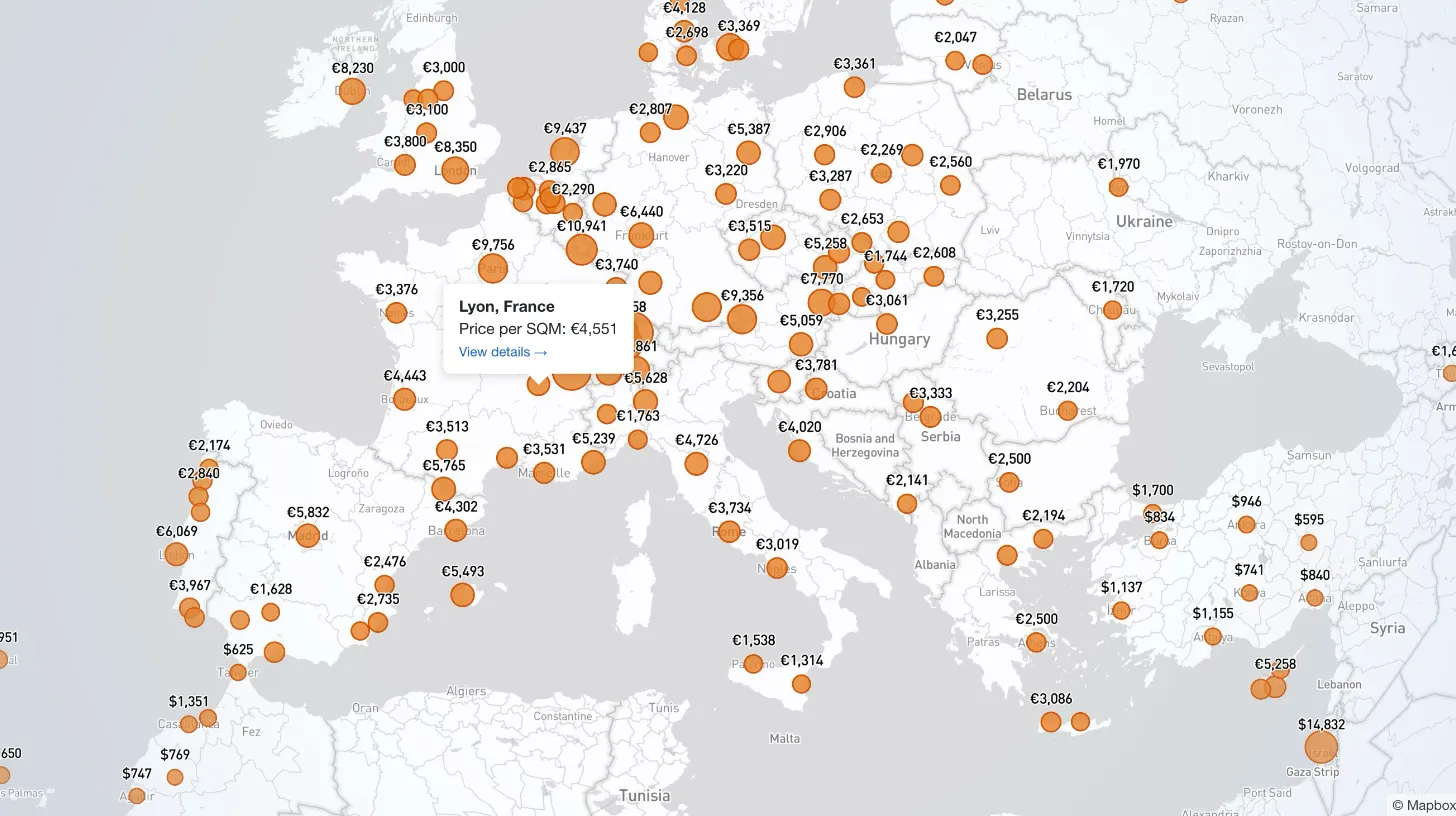
How I Built a Mapbox Globe for 38+ Real Estate Metrics
My client publishes real estate data for 80+ countries and wanted a single interactive view that could replace dozens of separate comparison tables. I built a Mapbox GL JS globe with 38+ switchable metrics, bubble and choropleth view modes, city drill-down, currency toggle, and pinned popups that deep-link into the country pages.
How I Refactored a Laravel Stripe Subscription and Deleted 4,628 Lines
Years of ever-changing client requirements had turned a Laravel subscription system into spaghetti code. Here is how I rebuilt it around a single config file and cut 4,628 lines.
Building Real-Time Charts from Google Sheets: My Client-Side Scraping Approach
My client needed interactive, country-specific data charts embedded across their site. Rather than querying the server or paying for APIs, I built a client-side scraper to fetch data directly from Google Sheets in real-time.
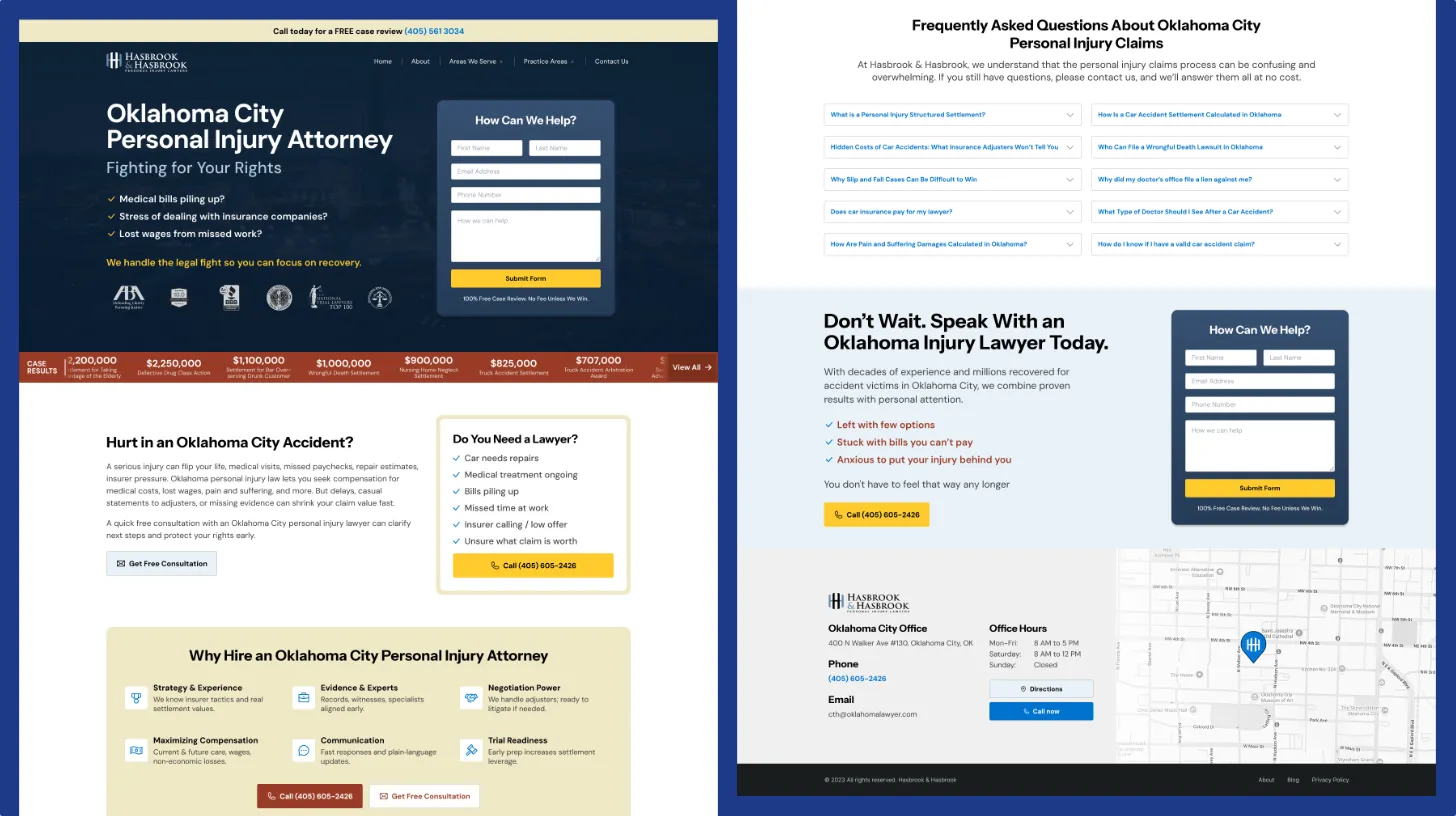
Law Firm Redesign: Simplification Without Sacrificing Performance
After initial success with a custom WordPress build, the law firm's homepage had grown unwieldy. We refined the design, removed visual clutter, and improved scannability while maintaining the performance gains.