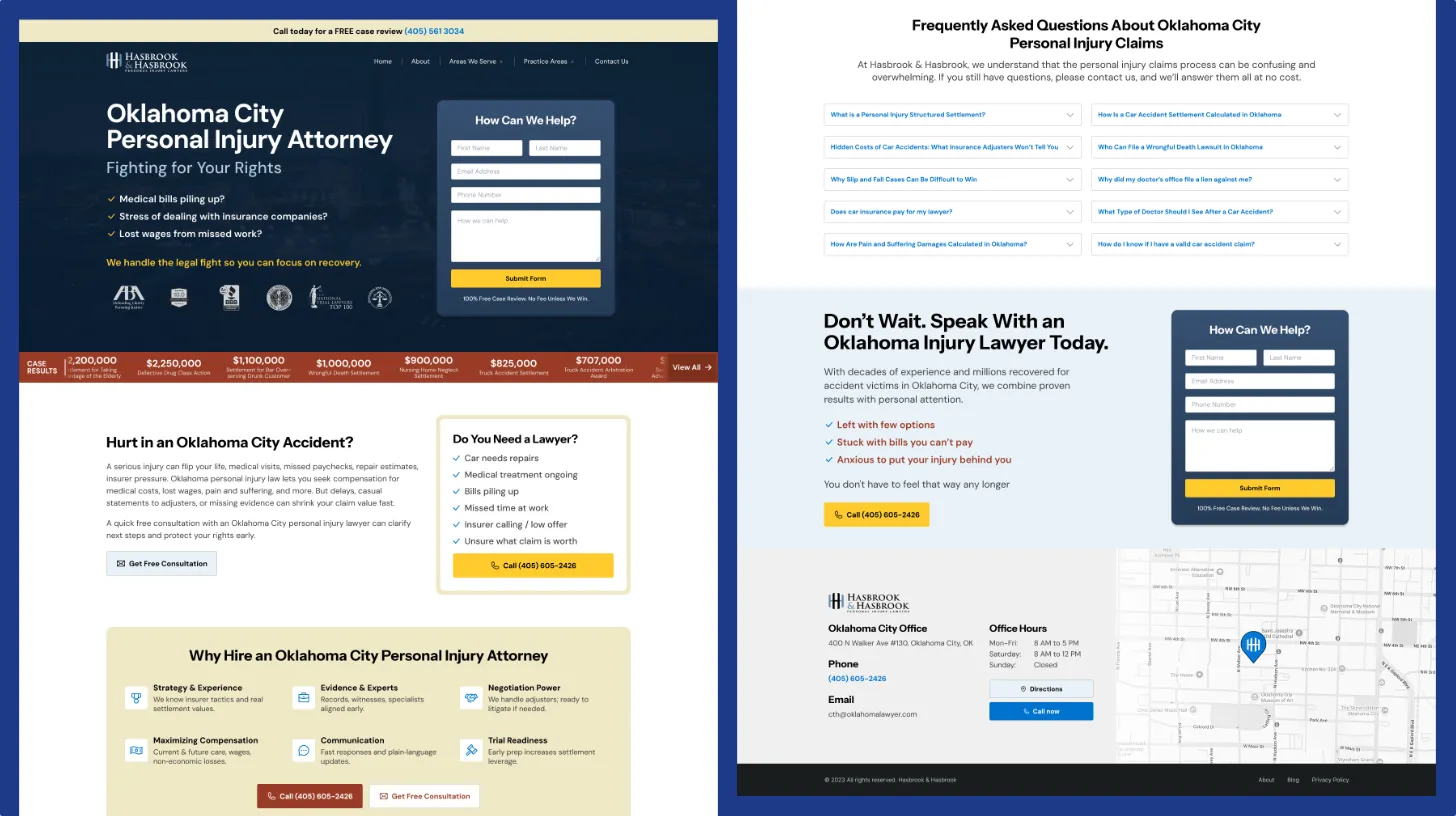
Law Firm Redesign: Simplification Without Sacrificing Performance
After initial success with a custom WordPress build, the law firm's homepage had grown unwieldy. We refined the design, removed visual clutter, and improved scannability while maintaining the performance gains.
Hook: The Success Problem
When my client came back to me, the WordPress site I'd built was actually working well. The performance metrics were solid, organic traffic was growing, and conversions were improving. But here's the thing about successful websites: they tend to accumulate. My client had added new service sections, more testimonials, and expanded practice area descriptions. The homepage had grown into a long, unfocused page where visitors couldn't quickly understand what the firm actually specialized in.
The design still looked professional, but it didn't feel sharp anymore. There was visual noise I'd never intended: layered backgrounds, overlapping containers, too many sections competing for attention. The original landing page strategy I'd designed was clean and minimal. The site had drifted from that vision.
The article templates had also gotten inconsistent. Different sidebar widgets appeared on different pages, and the visual hierarchy made it hard to scan. I knew a redesign was needed, not to fix broken things, but to restore what had made the original build successful.
Simplified law firm design architecture emphasizing clarity and professional minimalism
✅ Key Takeaway: The best refinements come from simplification, not addition. When a high-performing site becomes cluttered, pruning is more valuable than rebuilding.
The Challenge
The challenge here was clear to me: refinement, not overhaul. I couldn't risk a complete rebuild, as that would jeopardize the performance gains and search rankings we'd already established. My client didn't want a new site; they wanted what we'd built refined and sharpened.
The homepage had bloated to nearly 3,000 words without better organization. Important messaging got buried as new sections were added. Visitors couldn't quickly determine if my client's firm handled their legal needs or find relevant content. Bounce rates on the homepage were creeping upward as people couldn't find what they needed.
Before/After Comparison: Homepage Clarity
| Element | Before Redesign | After Redesign |
|---|---|---|
| Homepage Word Count | 3,200 words | 1,600 words |
| Primary Service Sections | 8 separate sections | 5 focused sections |
| Call-to-Action Placement | Buried after long content | Prominent after each section |
| Visual Elements | Layered backgrounds, busy | Clean, minimal backgrounds |
| Navigation Clarity | Secondary menu mixed with content | Clear primary navigation |
| Mobile Readability | Requires multiple scrolls to understand | Clear value in first screen |
I could see the design had accumulated unnecessary complexity. Each section used slightly different styling. Background images layered over containers created visual busy-ness that didn't convey professionalism. It conveyed crowdedness. The site felt less like a focused professional practice and more like an undecided corporate site.
The typography also had room for improvement. Headline hierarchy could be clearer, body text could have better contrast, and the overall type system needed to feel more intentional and modern.
💡 Pro Tip: Before redesigning, track which sections and CTAs generate engagement. Let user behavior guide your information architecture. Remove sections visitors skip over; amplify what converts.
Approach and Solution
My redesign philosophy was simple: "subtract, don't add." I wasn't trying to add features; I was focused on removing friction.
Homepage Content Pruning. I analyzed visitor behavior to identify which sections actually drove engagement. Some content I reorganized, some I condensed, and some I moved to secondary pages. I refocused the homepage on the core message: what the firm does, who they serve, and how to take next steps. This brought the page down to under 2,000 words while still covering all practice areas.
Visual Simplification. I removed the layered backgrounds and overlapping container designs that created visual noise. The redesigned site used cleaner layouts with better whitespace. Each section became a discrete, scannable unit rather than a visual jumble. This simplification also improved page speed slightly by eliminating unnecessary background images and effects.
Updated Typography. I refined the type system with clearer hierarchy. Headlines had more distinctive sizing and weight, body text had improved contrast for readability, and call-to-action text became more prominent. These changes made the page easier to scan and more visually refined.
Website Refinement Checklist
- Analyze user behavior to identify high-engagement sections
- Remove sections that generate minimal traffic or engagement
- Consolidate overlapping content into unified messaging
- Clean up background images and visual effects
- Establish consistent typography hierarchy throughout
- Standardize call-to-action placement and styling
- Ensure article template consistency across all pages
- Test mobile experience at different viewport sizes
- Verify page speed hasn't increased from design changes
- Check search rankings for affected pages post-redesign
Consistent Article Templates. I made sure all article pages followed a unified template structure. The sidebar widgets were now consistent, author information appeared in a standardized format, and related content recommendations used the same design pattern. This consistency improved the user experience across the entire site.
Improved Layout for SEO. I adjusted the content layout to improve SEO signals. Headings were restructured to follow proper hierarchy, content sections were ordered for better scannability, and the page structure was optimized for featured snippets and table of contents generation by search engines.
Light, Modern Aesthetic. The overall feel became lighter and less corporate. More breathing room between sections, reduced use of dark elements, and a cleaner visual language that conveyed modern professionalism without feeling cold or generic.
Results and Impact
The redesign achieved exactly what I set out to do: it made the site feel sharper and more focused without breaking what was already working.
Page speed remained excellent. By removing unnecessary visual effects and limiting homepage length, Core Web Vitals scores actually improved slightly. The page felt faster to load and more responsive.
⚠️ Warning: Content accumulation is insidious. What starts as "just one more section" becomes homepage bloat that harms user experience. Schedule quarterly reviews of your homepage and be ruthless about cutting underperforming elements.
The consistent article template made the blog feel more professional. Articles that previously felt scattered now appeared as part of a cohesive content system, which subtly increased user confidence in the firm's expertise.
Search ranking stability was maintained throughout the redesign. By being careful about content organization and maintaining URL structure, the site didn't lose rankings. In fact, my improved SEO-focused layout helped some pages rank for additional related keywords.
My client appreciated the focused approach. Rather than adding more features or trying to showcase everything, the redesigned site confidently communicated "here's what we do best." This clarity improved their brand perception and made client acquisition more efficient.
This project demonstrated something I've learned over time: refinement often beats recreation. Not every successful site needs a ground-up rebuild. Sometimes the best improvements come from removing clutter, clarifying messaging, and aligning design with the original vision that made the site successful in the first place.
Related Posts
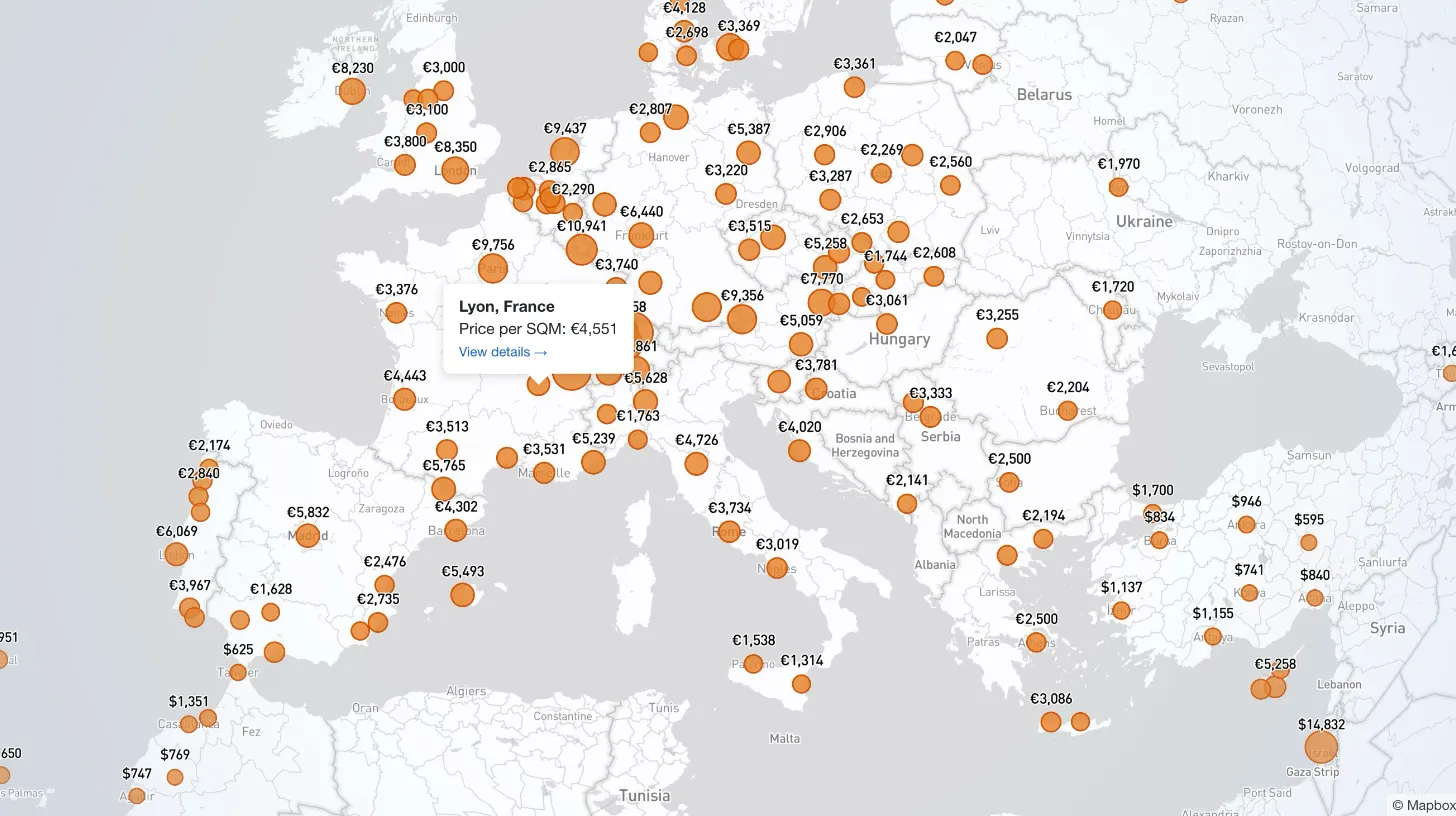
How I Built a Mapbox Globe for 38+ Real Estate Metrics
My client publishes real estate data for 80+ countries and wanted a single interactive view that could replace dozens of separate comparison tables. I built a Mapbox GL JS globe with 38+ switchable metrics, bubble and choropleth view modes, city drill-down, currency toggle, and pinned popups that deep-link into the country pages.
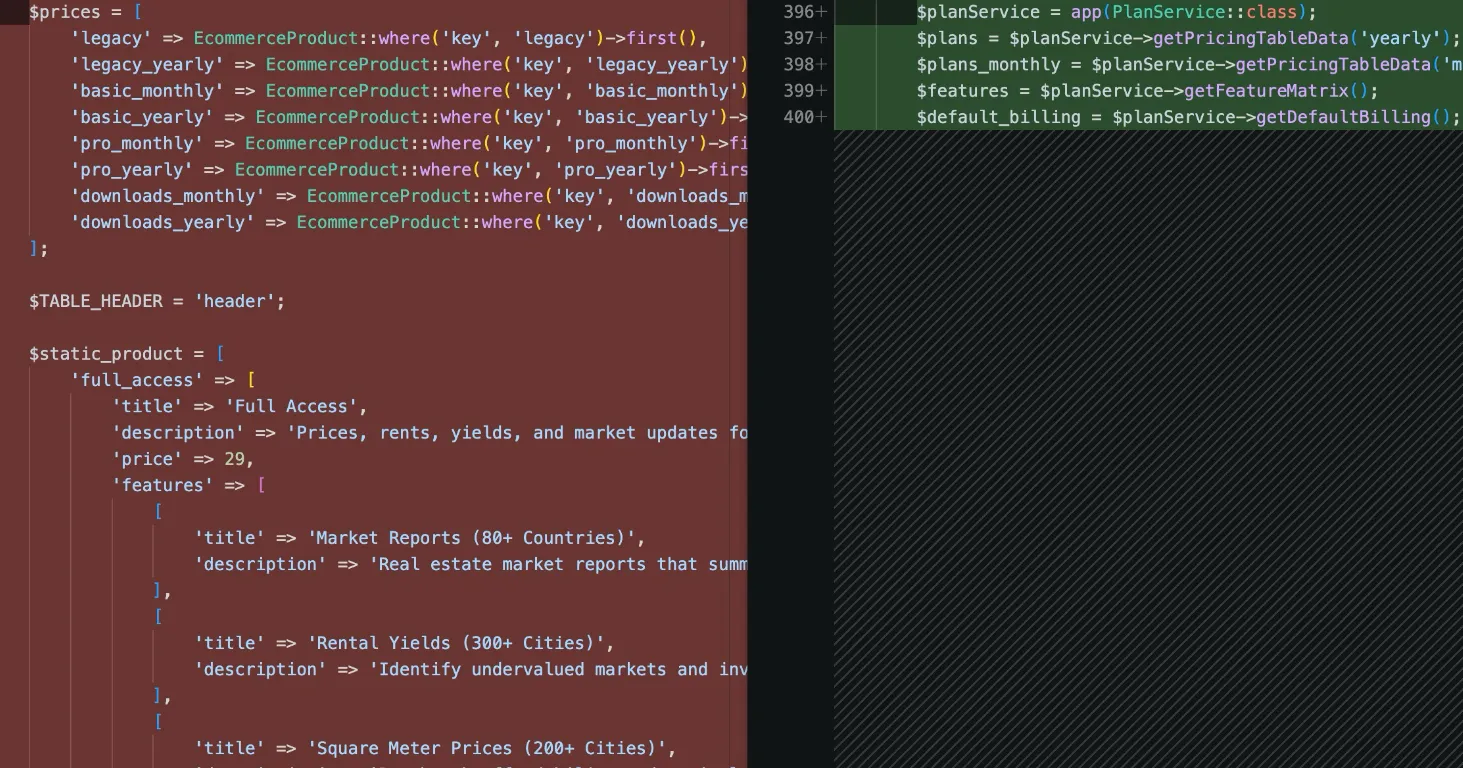
How I Refactored a Laravel Stripe Subscription and Deleted 4,628 Lines
Years of ever-changing client requirements had turned a Laravel subscription system into spaghetti code. Here is how I rebuilt it around a single config file and cut 4,628 lines.
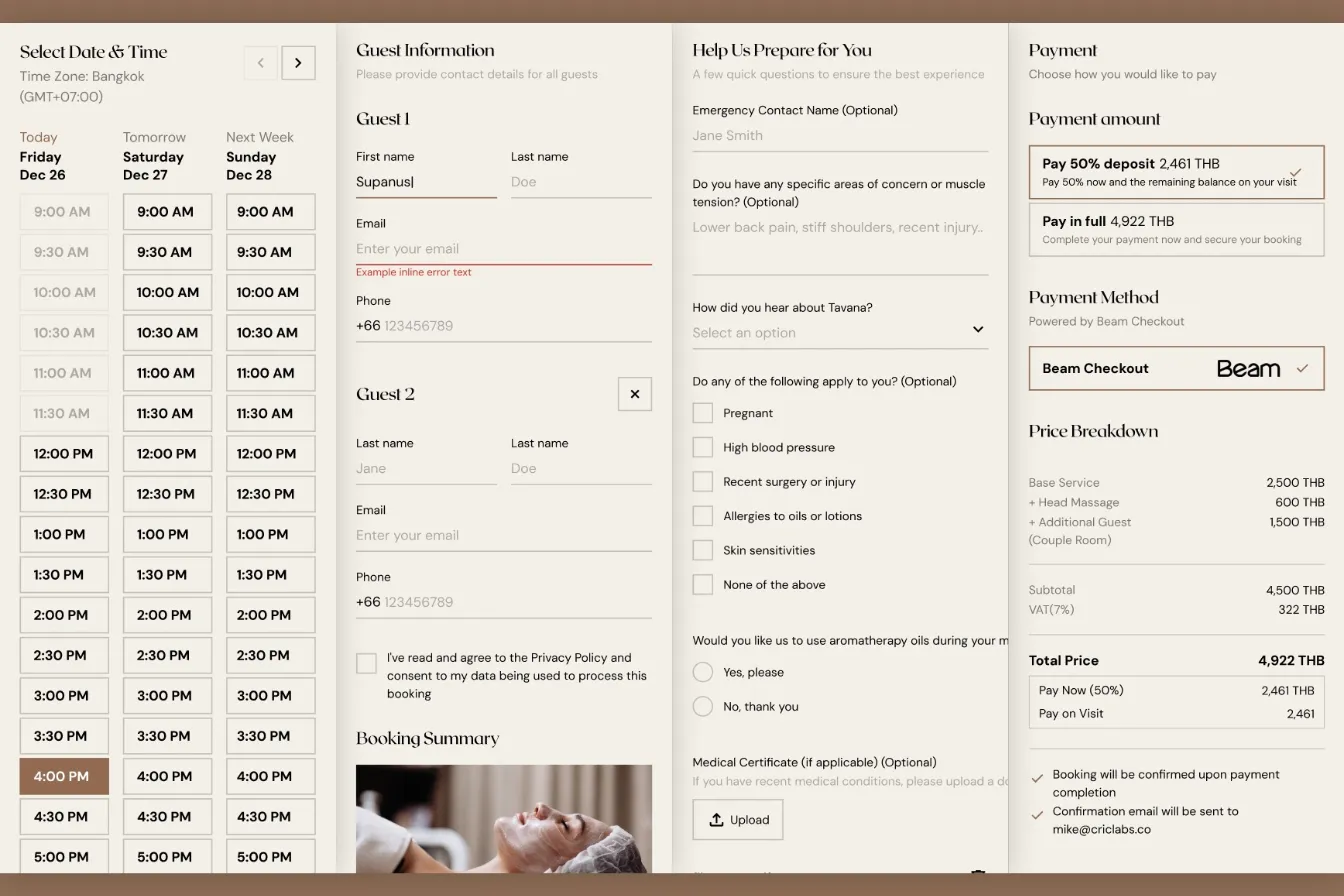
How I Built a Custom Webflow Booking System with Acuity and Beam APIs
I was hired by a software agency as a JavaScript specialist to build a booking system for their client who runs a luxury spa in Bangkok. Bridging Acuity Scheduling API and Beam Checkout API.
Building Real-Time Charts from Google Sheets: My Client-Side Scraping Approach
My client needed interactive, country-specific data charts embedded across their site. Rather than querying the server or paying for APIs, I built a client-side scraper to fetch data directly from Google Sheets in real-time.