
Real Estate Guide Site: Modernization + Paywall Implementation
A well-known real estate guide site needed complete modernization and a shift from paid listings to subscriptions. We redesigned the UI, built a membership system, and implemented a custom paywall for content monetization.
Hook: The Business Shift
My client, who owns a well-established real estate guide website, came to me with an evolution challenge. The site had successfully served the property industry for years, but its design was outdated, and the business model was no longer sustainable. He wanted me to modernize the platform and shift from a "priority placement" fee model to a recurring subscription with premium content access.
This wasn't going to be a quick cosmetic update. I needed to redesign hundreds of pages, restructure URL templates, build a membership system from scratch, implement payment processing, and create an entirely new user experience around subscriptions.
Subscription model and membership tiers
✅ Key Takeaway: Moving from one-time sales to subscriptions requires more than a new payment form. It demands redesigned user journeys, new content strategies, and modern technical infrastructure.
The Challenge
The scope was significant and interconnected. The site's design looked dated compared to modern SaaS platforms. Users expected contemporary aesthetics, intuitive navigation, and responsive mobile experiences that the original design simply didn't provide.
The content structure was complex. Hundreds of pages and legacy templates built over years made it difficult to manage. Moving to a subscription model meant restructuring how I delivered content, determining which pages required authentication, and maintaining all existing URLs while reorganizing the underlying system. This wasn't a straightforward task.
The business model transition was the biggest technical challenge. Switching from one-time placement fees to recurring subscriptions required me to build a membership system from scratch. This meant integrating payment processing, managing subscription lifecycles, handling cancellations and renewals, and creating a dashboard so members could manage their own accounts.
The database held significant accumulated data. Legacy scripts and outdated libraries needed replacement with modern alternatives that could handle new subscription features without breaking existing functionality.
Subscription Model Transition Checklist
- Define subscriber tiers and access levels
- Decide which content/pages are premium vs. public
- Set payment processor (Stripe, PayPal, etc.) and pricing
- Design subscriber dashboard and account management
- Plan URL structure to preserve SEO equity
- Build user authentication and permission system
- Create paywall logic and access controls
- Plan cancellation and refund workflows
- Test billing cycles, renewal, and failure scenarios
- Set up email notifications for expiration and renewal
Approach and Solution
I planned meticulously before touching the site. A redesign at this scale requires understanding current user behavior, identifying what content matters most, and ensuring the new system doesn't lose existing equity in search rankings or user trust.
Full Rebranding. I updated typography, introduced a refined logo, adjusted spacing throughout for better readability, and adopted a neutral color palette that conveys professionalism and trust. The visual refresh made the site feel contemporary while maintaining the brand's established credibility.
Content Modernization. I replaced outdated scripts and libraries with modern alternatives. This included updating data visualization components, improving table layouts for better scannability, and creating responsive graphs that worked on all devices. These changes improved user comprehension and engagement.
💡 Pro Tip: When migrating to a subscription model, granularly define your content tiers. "Premium only" vs. "Free vs. Premium" requires completely different paywall logic. Plan this architecture before implementation.
Membership System Foundation. I built a complete membership system in Laravel with proper authentication, subscription tiers, and role-based access control. This allowed me to protect premium content and manage different user permission levels effectively.
First Paywall Implementation. I initially integrated Stripe for recurring payments combined with a third-party paywall solution. This gave my client a working subscription system quickly while we evaluated long-term needs. Users could subscribe, and content access was properly controlled from day one.
User Dashboard. I created a dedicated dashboard for members showing their subscription status, renewal dates, billing history, and account settings. This self-service portal reduced support requests and gave users confidence in their membership.
| Aspect | One-Time Placement Model | Subscription Model |
|---|---|---|
| Revenue Predictability | One-time, sporadic | Recurring, predictable |
| User Engagement | Transaction-focused | Relationship-focused |
| Content Strategy | Paid listings only | Mix of free and premium |
| Retention Focus | None needed | Critical for success |
| Support Load | Per transaction | Ongoing account management |
| Payment Complexity | Simple checkout | Billing, renewals, cancellations |
| Onboarding | Purchase focused | Conversion to subscriber |
| User Lifetime Value | Single sale | Multiple years of revenue |
Custom Payment System. After validating the subscription model, I built an internal payment system using the latest Stripe API. This gave my client full control over the checkout experience, better customization options, and streamlined the subscription lifecycle management.
Data Integration. I reworked how legacy page data integrated with the new membership system. This meant carefully mapping old content to new access levels, ensuring no URL breaks, and maintaining search engine ranking signals for existing pages.
Results and Impact
The subscription model gained traction quickly. Within the first quarter, my client's site attracted 400+ active subscribers, generating predictable recurring revenue that replaced the unpredictable placement fee model. Subscribers saw this as a better value, with unlimited access to premium content rather than paying per listing.
⚠️ Warning: A botched migration can kill legacy revenue before new revenue scales up. Plan your transition timeline carefully, offer incentives for early subscription, and support the old model long enough to ensure subscribers adjust.
The membership dashboard reduced my client's customer support load by 30%. Users could manage subscriptions and view their billing information independently, eliminating repetitive support requests.
The redesign improved search visibility. Better-structured content, improved page performance, and proper canonicalization of URLs maintained existing ranking equity while opening opportunities to rank for new subscriber-focused keywords.
From a technical perspective, the move to Laravel gave my client's team a maintainable codebase for future features. Adding new subscription tiers, adjusting pricing, or modifying access rules became straightforward without requiring developer intervention for each change.
This project showed me that legacy platforms can successfully transition to subscription models with thoughtful planning, thorough redesign, and proper technical foundation. The key was treating it not as a quick reskin but as a strategic business evolution requiring architectural changes beneath the surface.
Related Posts

How I Built a Mapbox Globe for 38+ Real Estate Metrics
My client publishes real estate data for 80+ countries and wanted a single interactive view that could replace dozens of separate comparison tables. I built a Mapbox GL JS globe with 38+ switchable metrics, bubble and choropleth view modes, city drill-down, currency toggle, and pinned popups that deep-link into the country pages.
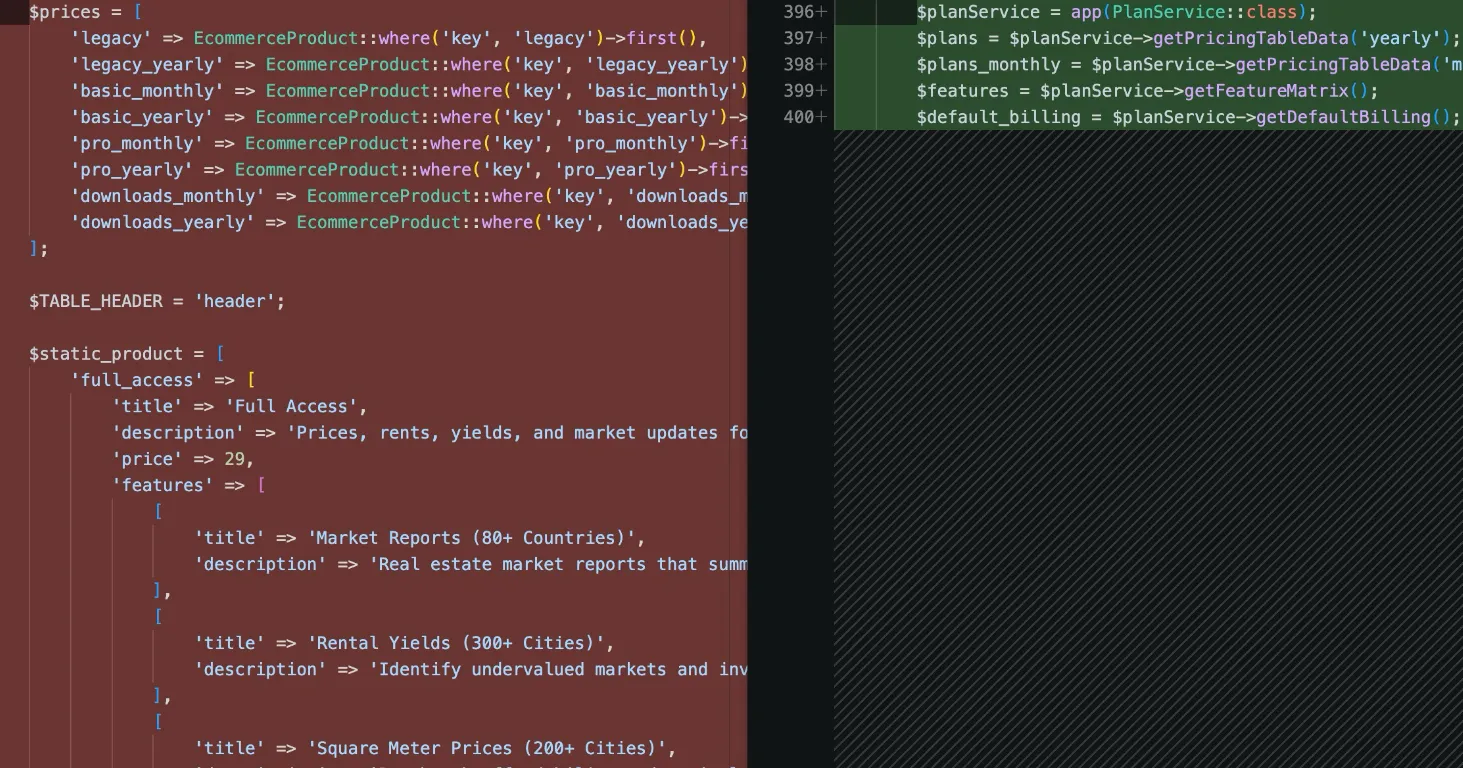
How I Refactored a Laravel Stripe Subscription and Deleted 4,628 Lines
Years of ever-changing client requirements had turned a Laravel subscription system into spaghetti code. Here is how I rebuilt it around a single config file and cut 4,628 lines.
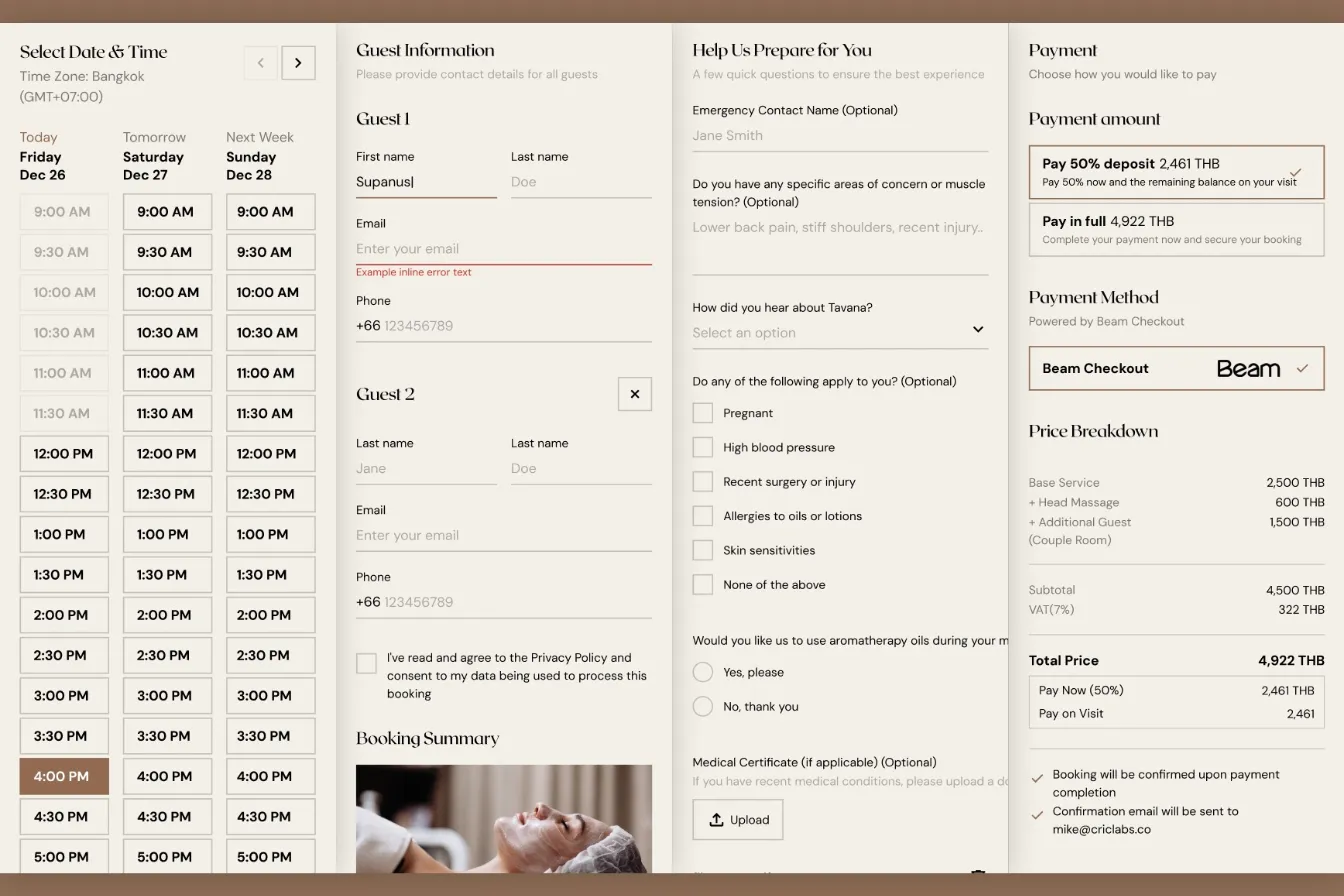
How I Built a Custom Webflow Booking System with Acuity and Beam APIs
I was hired by a software agency as a JavaScript specialist to build a booking system for their client who runs a luxury spa in Bangkok. Bridging Acuity Scheduling API and Beam Checkout API.
Building Real-Time Charts from Google Sheets: My Client-Side Scraping Approach
My client needed interactive, country-specific data charts embedded across their site. Rather than querying the server or paying for APIs, I built a client-side scraper to fetch data directly from Google Sheets in real-time.