The Hidden Cost of Deferred Website Maintenance
Rol Torralba
May 10, 2026
11 min read
Skipping website maintenance feels like saving money — until it isn't. Here's what deferred web maintenance actually costs your business, and why the bill is always bigger than expected.
Your website has been running fine for 18 months. No major issues, no complaints from customers. You keep meaning to schedule a maintenance review, but there's always something more pressing. The platform updates can wait. The security audit can wait. The slow page load times are annoying but tolerable.
Then on a Friday afternoon — the day before your biggest sale of the year — your site goes down.
That moment is what the cost of deferred website maintenance actually looks like. Not a line item on an invoice. A crisis that lands at the worst possible time, with the worst possible price tag.
Key Insight: Deferred maintenance doesn't eliminate cost. It delays it and adds interest.
This pattern shows up constantly in businesses that built a solid website a few years ago and then treated it like a finished product. The site works, so nothing gets touched. The budget for ongoing maintenance gets reallocated. And slowly, invisibly, the bill grows.
"Deferred maintenance" is a term borrowed from civil engineering (think: bridges and roads that need repair but keep getting pushed to next year's budget). In web development, it means the same thing: work you know needs to happen, but keeps getting postponed.
This includes things like:
None of these feel urgent on their own. That's exactly what makes them dangerous. Each deferred task is a small crack. Over time, small cracks become structural problems.
The tricky part is that a site can absorb a lot of deferred maintenance before it visibly fails. That's not a sign the neglect is harmless. It's just a sign you haven't hit the threshold yet.
Let's start with the costs that are easiest to quantify.
Emergency repairs cost 3-5x more than scheduled work. When something breaks, you're not getting your usual rates. You're paying for urgency. A developer who normally charges $75/hour for planned work might charge $150-200/hour for emergency availability on a weekend. The problem that could have been prevented with a $300 update check might take 8-10 hours to diagnose and fix after the fact.
Downtime has a direct revenue cost. If your site generates $2,000/day in revenue and it's down for 6 hours, that's $500 gone before you've even started fixing anything. For e-commerce businesses, downtime during peak periods (sales events, holidays) can cost far more than that in a matter of hours.
Security breaches are expensive on every front. A site running outdated software is a target. The average cost of a small-to-medium business data breach is now well into the tens of thousands of dollars when you account for forensics, remediation, legal notifications, and reputational damage. Many of these breaches happen through known vulnerabilities that patches had already addressed — vulnerabilities your site still had because updates were being deferred.
Warning: An outdated plugin with a known vulnerability is not a theoretical risk. It's an open invitation. Attackers scan for these automatically.
SEO penalties compound over time. Google factors page speed and security into rankings. A site that's gotten progressively slower and less secure over 18 months of deferred maintenance doesn't just lose conversions — it loses organic visibility too. Recovering that lost ground takes months of consistent effort, not a one-time fix.
Direct costs are just the start. The harder-to-measure costs are often bigger.
Your team's time and attention. When your site has recurring minor issues (slow page loads, broken forms that sometimes work, checkout errors that "seem to resolve themselves"), your team spends time working around them. Customer service handles extra complaints. Your marketing team avoids promoting pages that feel unreliable. That's real labor being redirected away from actual business work.
Lost trust you can't see. Customers who hit a broken page or a slow site often don't tell you. They just leave. A 1-second delay in page load time can reduce conversions by 7% (and that's on a normal day, not during peak traffic). When your site has accumulated 18 months of deferred performance work, those fractions of seconds add up into full seconds, and those conversion impacts compound quietly.
The opportunity cost of playing it safe. This one is harder to quantify, but real. When your site feels fragile, you avoid making changes that could drive growth. You hold off on launching a new landing page because the last deploy went badly. You don't update the product section because someone said the last time they touched it, something broke. The cost there isn't a repair bill. It's the revenue you didn't generate because your website made you risk-averse.
Key Takeaway: A fragile website doesn't just cost money to fix. It costs money every day you avoid building on it.
Understanding the problem is easy. So why do businesses keep deferring maintenance?
It doesn't feel broken yet. This is the biggest one. A car with bald tires still drives. A bridge with hairline cracks still holds weight. A website with accumulating technical debt still loads pages. The absence of a visible crisis gets interpreted as the absence of a problem.
The cost is invisible until it isn't. When you pay for proactive maintenance, you're paying to prevent something. The value is the thing that didn't happen. That's a hard sell internally, especially when budgets are tight and the site "seems fine."
There's always something more urgent. Website maintenance competes with marketing campaigns, product launches, hiring, and a hundred other things. It rarely wins that competition when the site appears functional.
Previous neglect makes the backlog feel overwhelming. Once deferred maintenance has accumulated for a year or two, the backlog feels paralyzing. There's so much to address that it's easier to just keep avoiding it. This is where small cracks become sinkholes.
Here's a composite scenario based on the kind of situation that comes up regularly.
A content-driven business has a WordPress site that's been running for three years. The last serious maintenance was done by a developer who left the company 18 months ago. Since then: WordPress core is two major versions behind, six plugins have critical security updates available, the database has never been optimized (it's now 4GB for a site that should be under 500MB), backups haven't been verified in eight months, and page load time has crept from 2.1 seconds to 4.7 seconds.
What staying current would have cost (proactive approach):
| Task | Estimated Cost |
|---|---|
| Monthly maintenance retainer (18 months) | $500/month = $9,000 |
| Preventive performance optimization | Included |
| Regular update monitoring | Included |
| Backup testing | Included |
What getting current actually costs (reactive approach):
| Task | Estimated Cost |
|---|---|
| Emergency security audit | $800 |
| Malware removal (site was compromised) | $1,200 |
| WordPress core and plugin update with testing | $600 |
| Database cleanup and optimization | $400 |
| Performance audit and fixes | $1,500 |
| Recovery from Google SEO penalty | $3,000+ over 3-6 months |
The reactive path in this scenario exceeds $7,500 in direct spend, plus months of reduced traffic and revenue. And that's a mild version of this story. It doesn't include legal costs, customer notification requirements, or reputational damage if customer data was exposed.
Pretty stark difference when you lay it out side by side.
The math on proactive maintenance is straightforward once you put it next to the alternative.
A reasonable ongoing maintenance retainer for a mid-size WordPress or Laravel site typically runs $300-700/month. That covers core, plugin, and dependency updates (with proper testing before deployment), regular security scans, performance monitoring, database maintenance, backup verification, and minor bug fixes.
Over 12 months, that's $3,600-$8,400. It feels like overhead — until you compare it to the cost of a single serious incident.
The value isn't just the crisis you avoided. It's also faster page loads (which directly affect conversions), a site you can confidently update and build on, a developer who knows your system before something breaks, and the mental overhead you stop carrying around.
Pro Tip: When evaluating maintenance costs, don't compare the monthly retainer to "nothing happening." Compare it to what a single emergency incident costs. The math changes immediately.
If your site has accumulated deferred maintenance, here's a practical way to think about getting current.
Start with an honest audit. You can't fix what you don't understand. Begin with a clear picture of what's been deferred and what the actual risk level is. Not everything in a maintenance backlog is equally urgent. A developer who knows what they're doing can triage this quickly.
Separate urgent from non-urgent. Some things need immediate attention (known exploited vulnerabilities, broken core functionality, failing backups). Other things are real problems but not emergencies. Understanding which is which prevents both paralysis and unnecessary panic spending.
Create a realistic catch-up plan. Getting current doesn't have to happen in one expensive sprint. A phased approach (critical security issues first, then performance, then technical debt) spreads the work and the cost. The important thing is to stop deferring and start chipping away.
Put a recurring process in place. The goal isn't just to fix today's problems. It's to prevent tomorrow's. Once you're current, a maintenance retainer or regular check-in schedule keeps you from ending up in the same position again.
The businesses that handle website reliability well tend to think about their website the way they think about other critical infrastructure. They budget for it. They have someone responsible for it. They don't treat it as a one-time expense that should just keep running indefinitely without attention.
The businesses that end up in crisis tend to think of their website as a finished product rather than a living system. They built it, it works, and maintenance feels like a sign something went wrong.
Nothing went wrong. Systems age. Platforms update. Security landscapes change. A website that was well-built three years ago still needs regular care to stay well-built today.
The cost of deferred website maintenance is always real. The only question is whether you pay it on a schedule that works for you, or at a moment when you have the least control over the terms.
Run through this quickly. Be honest.
If three or more of these apply, you have a meaningful maintenance backlog. And the longer it sits, the more expensive it gets.
How much does deferred website maintenance typically cost to fix?
It depends on how long maintenance has been deferred and what's accumulated. A site that's been neglected for 12-18 months commonly requires $3,000-$8,000 in catch-up work, not counting any ongoing issues that developed during that period (security incidents, SEO penalties, performance degradation).
Is it worth getting current on maintenance if my site still works?
Yes, and the sooner the better. The longer a maintenance backlog sits, the more interdependent the problems become. An update that would have taken 2 hours 12 months ago might take 8 hours now because of version incompatibilities and accumulated dependencies.
How often should a website be maintained?
Most sites benefit from monthly maintenance at minimum (updates, security checks, backup verification, performance monitoring). Higher-traffic or more complex systems often need weekly attention. The right frequency depends on your platform, traffic, and how frequently your site changes.
What's the difference between maintenance and a redesign?
Maintenance is ongoing care: updates, security, performance, backups, minor fixes. A redesign changes the look or structure of the site. Most businesses that think they need a redesign actually need maintenance first. A fast, secure, stable site in its current design almost always outperforms a freshly redesigned site that's also neglected.
Find out what's slowing your site down, where the security gaps are, and what you can improve. Takes 30 seconds to request.

Most businesses find out they have a documentation problem at the worst possible time, when their developer is already gone. Here's what to document, where to store it, and how to build the habit before it becomes a crisis.

Most websites have backups. Most of those backups have never been tested. This is a practical guide to building a website backup strategy that actually holds up when something goes wrong — covering what to back up, how often, where to store it, and how to verify it will restore.

You don't need to be technical to evaluate whether your website is healthy or heading for trouble. This guide gives you a practical framework for assessing your site's security, performance, maintainability, and resilience.
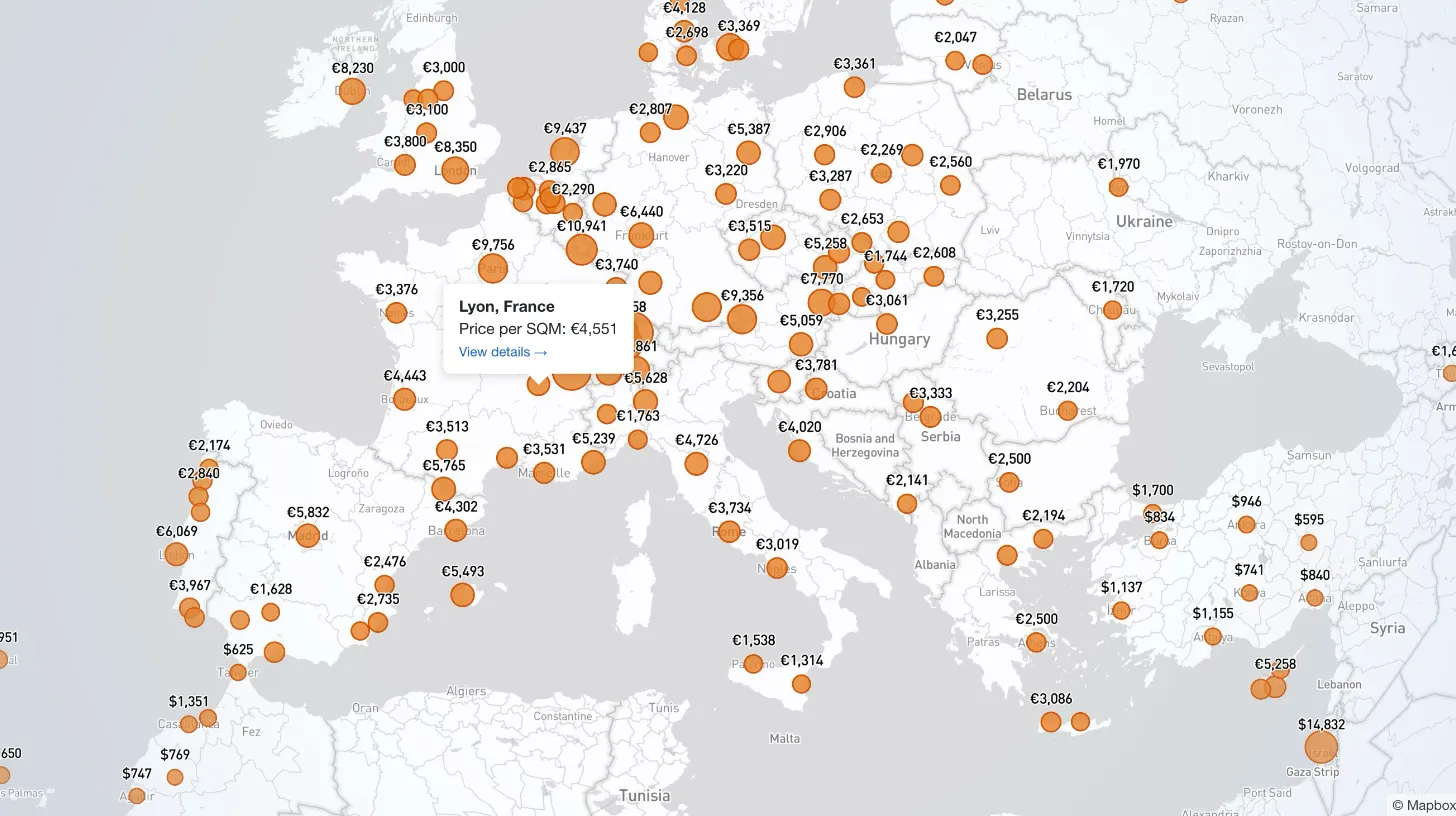
My client publishes real estate data for 80+ countries and wanted a single interactive view that could replace dozens of separate comparison tables. I built a Mapbox GL JS globe with 38+ switchable metrics, bubble and choropleth view modes, city drill-down, currency toggle, and pinned popups that deep-link into the country pages.