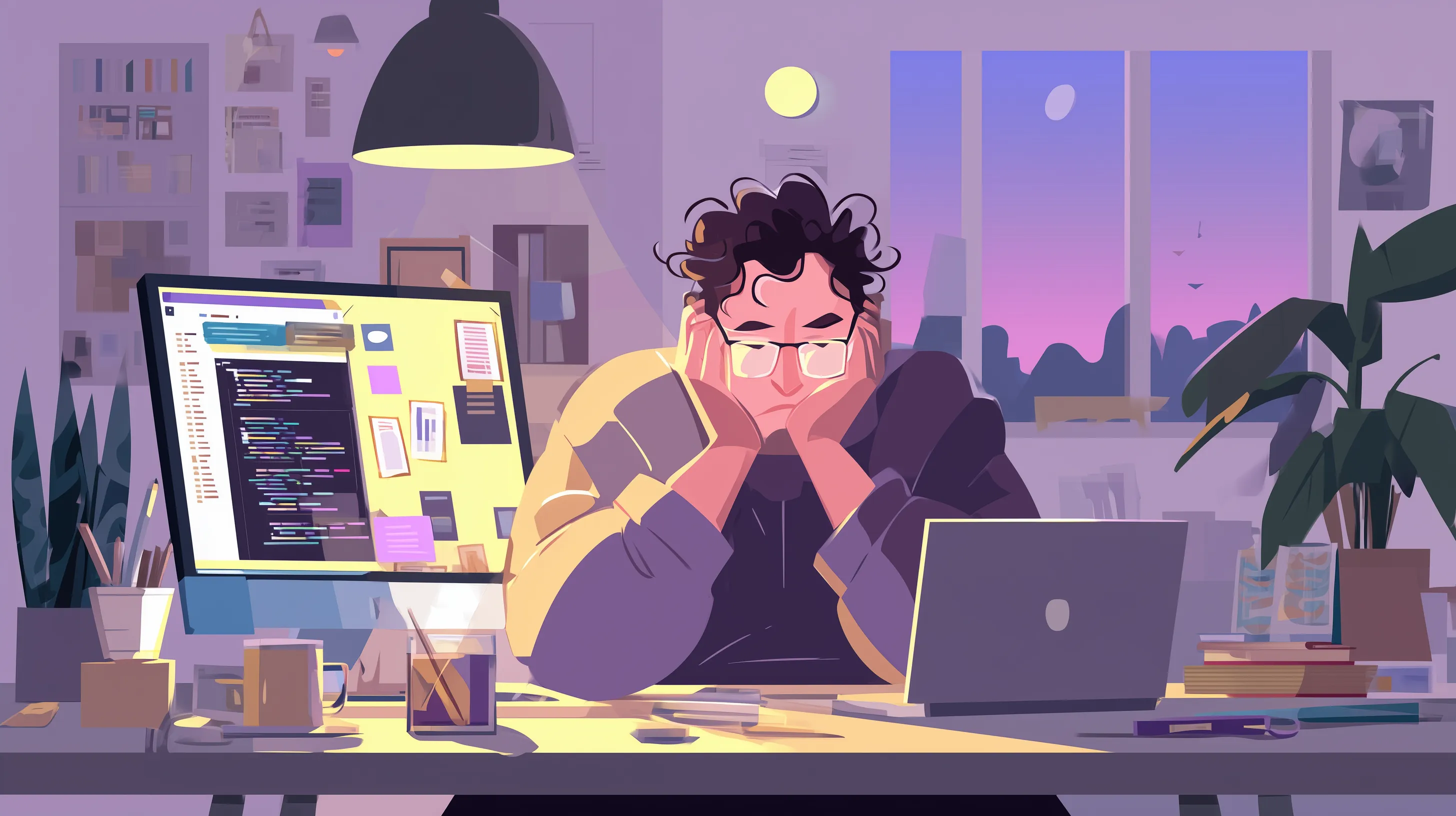
What to Do When Your Web Developer Disappears
When your web developer disappears, your website becomes a ticking time bomb. Here's a practical recovery plan to regain control, secure your assets, and build a more resilient technical partnership going forward.
You notice a security warning on your website. Or maybe a customer mentions a broken checkout page. You fire off a message to your developer, the freelancer who built the site two years ago, and wait. A day goes by. Then a week. Their phone number is disconnected. Their email bounces. Your website is sitting out there, exposed and unmaintained, and the one person who understood how it all worked has vanished.
This scenario plays out more often than most business owners expect. And when it happens, the panic is real. You are not just losing a person. You are losing access, context, and control over one of your most important business assets.
⚠️ Warning: When a developer disappears with sole access to your accounts, your website becomes vulnerable to security attacks, data loss, and operational disruption. This is not just a personnel issue. It is a business continuity crisis.
If this has happened to you, take a breath. There is a clear path forward. Let's walk through it.
When a developer disappears, your website's stability depends on how well access and knowledge were documented.
Why This Happens More Than You Think
The web development industry has an unusually high rate of what you might call "developer ghosting." There are a few structural reasons for this. Many small business websites are built by solo freelancers or very small shops. These individuals might take on too many projects, burn out, pivot careers, or simply move on to more lucrative work. There is no backup plan because there was never a team, just one person holding all the keys.
This is not a character flaw unique to developers. It is a structural risk that comes from relying on a single point of failure for something as critical as your web infrastructure. The same thing can happen with any sole contractor, from accountants to electricians. But the consequences with websites are especially painful because so much of the knowledge is invisible, stored in someone's head rather than documented anywhere your business can access.
The real issue is not that the developer left. It is that the relationship was never structured to survive their departure.
Step 1: Secure Your Access Immediately
Before you do anything else, verify that you still have access to the critical accounts tied to your website. This is your first priority because if you lose access to these, recovery becomes significantly harder.
✅ Key Takeaway: Account access is your immediate lifeline. Without it, you cannot operate your website independently or prevent further damage.
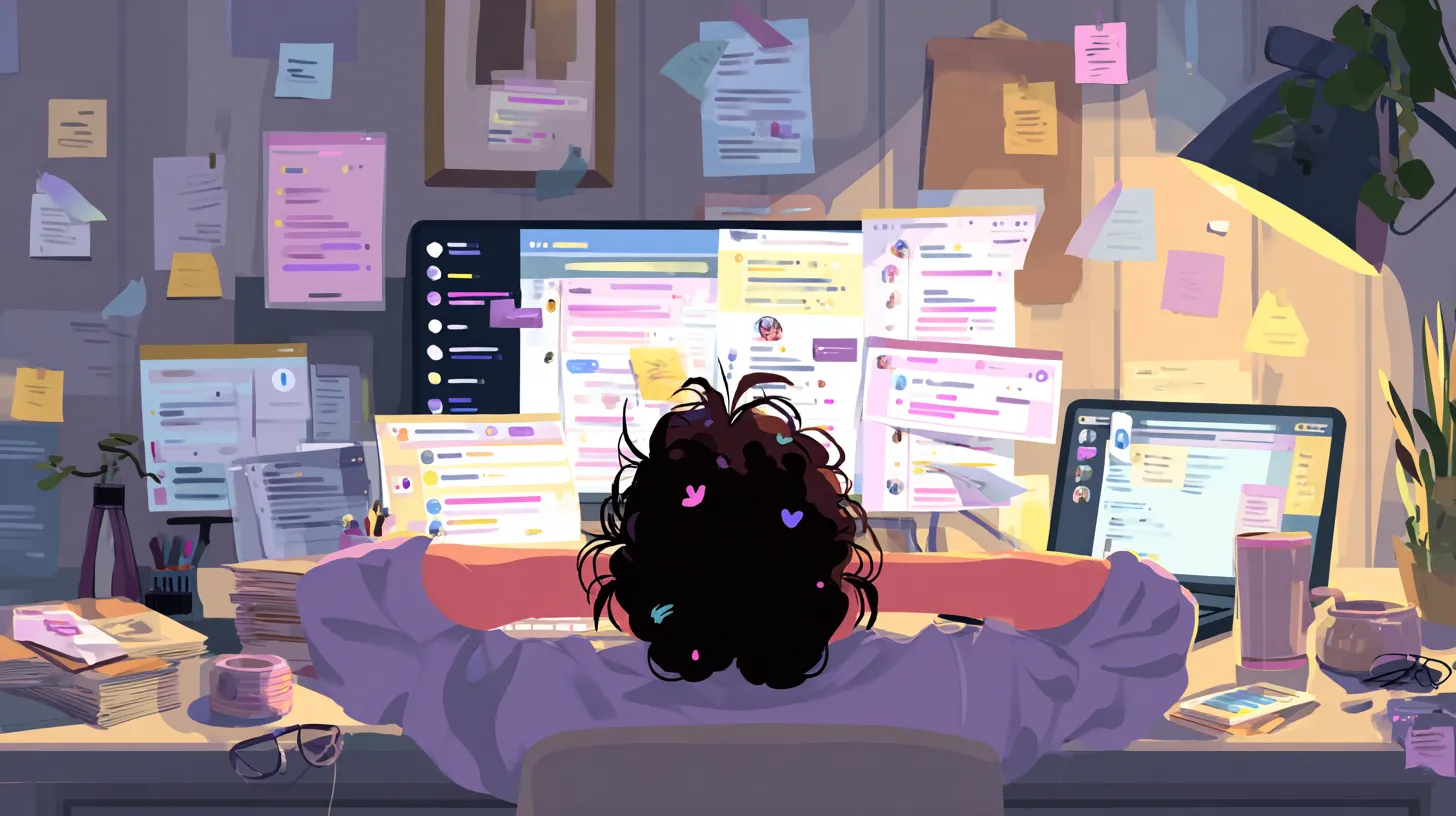
Securing all critical accounts creates multiple access pathways so no single person can lock you out.
Critical Accounts to Secure:
- Domain registrar account (GoDaddy, Namecheap, Google Domains, Cloudflare, etc.)
- Web hosting control panel (cPanel, Plesk, cloud dashboard, etc.)
- Content management system administrator account (WordPress, Drupal, Joomla, etc.)
- Email provider account (Gmail, Microsoft 365, hosted email, etc.)
- Analytics accounts (Google Analytics, similar tools)
- Payment processor accounts (Stripe, PayPal, Square, etc.)
- SSL certificate provider account
- Any API integrations or third-party service accounts
- CDN or security service accounts (Cloudflare, Akamai, etc.)
Start with your domain registrar. This is the company where your domain name (like yourbusiness.com) is registered. Common registrars include GoDaddy, Namecheap, Google Domains, and Cloudflare. If your developer registered the domain under their own account, you have a more complex situation, but domain ownership disputes can be resolved. It just takes time and documentation.
Next, check your hosting account. This is where your website files and database actually live. Log into cPanel, your hosting dashboard, or whatever platform your site runs on. If you do not know the hosting provider, you can use a tool like WHOIS lookup or DNS checker to find out where your domain points.
Then confirm access to your content management system. If your site runs on WordPress, Drupal, or a similar platform, make sure you have an administrator login. Check your email archives for any setup notifications that might contain credentials.
Finally, verify access to third-party services: your email provider, analytics accounts, payment processors, SSL certificates, and any APIs or integrations your site depends on. Make a list of every service connected to your web presence and confirm you can log into each one independently.
If you discover that some accounts are registered under your developer's personal email or credentials, contact the service providers directly. Most will work with you to transfer ownership if you can prove you are the business owner.
Step 2: Assess the Current State of Your Website
Once you have confirmed access, you need to understand what you are actually working with. Think of this as a triage assessment. You need to know what is healthy, what is fragile, and what is already broken.

A thorough health assessment reveals which parts of your website are stable and which need immediate attention.
Website Health Assessment Checklist:
- Site loads successfully from multiple devices and locations
- All pages and core functionality working (e-commerce, contact forms, etc.)
- No broken links, missing images, or error pages
- SSL certificate is current and valid
- CMS, plugins, and core dependencies are up-to-date
- No suspicious warnings in hosting dashboard
- Automatic backups are enabled and recent
- Database integrity is confirmed
- Performance is acceptable for your traffic level
Start with the basics. Is the site loading? Is it loading quickly? Are all pages functional? Run through your site as if you were a customer and note anything that seems off: broken links, missing images, forms that do not submit, pages that throw errors.
Check the security posture. Is your SSL certificate current? When was the last time your CMS, plugins, or dependencies were updated? Are there any warning messages in your hosting dashboard? Outdated software is one of the most common attack vectors for small business websites, and if your developer has been gone for months, updates have likely been piling up.
Look at your backups. Does your hosting provider run automatic backups? When was the last successful one? If your developer was handling backups manually, those may have stopped when they disappeared. Knowing whether you have a recent, restorable backup is essential before you make any changes.
Document everything you find. This assessment will be invaluable when you bring in a new developer or technical partner because it gives them a starting point instead of forcing them to start from zero.
Step 3: Resist the Urge to Panic-Update Everything
This might sound counterintuitive, but do not immediately start clicking "update" on every outdated plugin or software component. Yes, those updates are important. But applying months of accumulated updates to a production site without understanding the dependencies is a recipe for breaking things further.
❌ Common Mistake: Batch-updating everything at once. This makes it impossible to identify which update caused a problem if something breaks.
Updates can introduce compatibility issues, especially when multiple components are out of date simultaneously. A plugin update might require a newer version of PHP. A theme update might conflict with a customization your developer made. Stacking these changes without testing can turn a functioning-but-outdated site into a non-functioning one.
The safer approach is to create a staging environment, a copy of your site where you can test updates without affecting the live version. If you do not know how to set one up, this is a good first task for a new technical partner. They can apply updates methodically, test each change, and deploy them to your live site only when everything checks out.
Step 4: Find the Right Technical Partner (Not Just Another Developer)
Here is where most businesses make a second mistake. They go looking for another freelancer on a marketplace, find someone cheap, and recreate the exact same single-point-of-failure situation they just escaped.
Instead, think about what actually went wrong. It was not just that your developer disappeared. It was that your entire web operation depended on one person with no documentation, no handoff plan, and no accountability structure. Replacing that person with another solo freelancer does not fix the underlying problem.
Evaluating Technical Partners: Questions to Ask
| Evaluation Area | Question to Ask |
|---|---|
| Continuity | What happens if you become unavailable? Is there a backup? |
| Documentation | Do you document your work systematically? Can others understand it? |
| Version Control | Is all code tracked in version control? Are changes reversible? |
| Communication | Do you provide regular status updates without being asked? |
| Accountability | What are your response times? Do you have an SLA? |
| Knowledge Transfer | How do you ensure I understand what was done? |
Look for a technical partner rather than just a developer. The distinction matters. A developer builds things. A technical partner takes ownership of your website's health, communicates proactively, documents their work, and structures the relationship so that your business is never left stranded again.
When evaluating potential partners, ask questions that reveal their approach to continuity and stability. Do they document their work? How do they handle handoffs? What happens if they are unavailable? Is there a backup? Do they use version control so that code changes are tracked and reversible? Do they provide regular status updates without being asked?
The answers to these questions matter more than their portfolio or their hourly rate.
Step 5: Establish Documentation and Knowledge Transfer
Once you have a new technical partner in place, one of the first projects should be creating thorough documentation for your website. This is the insurance policy you never had before.
Good documentation includes a system architecture overview: what technologies your site uses, how they connect, and where everything is hosted. It includes an access credentials inventory, stored securely, listing every account and service tied to your web presence. It includes a maintenance log that tracks what was updated, when, and why. It includes a disaster recovery plan that spells out exactly what to do if the site goes down.
This documentation should live somewhere your business controls, not in your developer's personal files. Use a shared, secure system like a password manager for credentials and a collaborative platform for technical documentation. The goal is simple: if your technical partner is unavailable tomorrow, anyone qualified should be able to pick up where they left off.
This is not a one-time project, either. Documentation should be a living part of your web maintenance process, updated every time a meaningful change is made.
Step 6: Build a Maintenance Structure That Survives Personnel Changes
The final step is putting a structure in place so that this never happens to you again. This means shifting from a reactive, person-dependent model to a proactive, process-dependent one.
A good maintenance structure includes regular, scheduled updates applied in a controlled way. It includes automated monitoring that alerts you, not just your developer, if something goes wrong. It includes periodic security audits and performance reviews. It includes a clear service agreement that defines response times, responsibilities, and what happens if the relationship ends.
Version control is a critical part of this structure. If your site's code is tracked in a repository like Git, then every change is recorded, reversible, and accessible to anyone who needs to work on the site in the future. If your current site has no version control, implementing it should be a priority.
You should also consider separating ownership of critical accounts from any individual contractor. Your business should own the hosting account, the domain registration, the analytics, and every other service directly. Give your technical partner the access they need to do their work, but make sure the master credentials remain with your business.
Frequently Asked Questions
Q: Can I get my domain back if the developer registered it under their name?
A: Yes, but it requires proof of business ownership and payment documentation. Contact the registrar's customer support with proof of purchase or incorporation documents.
Q: What should I do if I can't access the email account associated with my domain?
A: Contact your domain registrar with proof of business ownership. They can help reset recovery options or transfer the domain to an email you control.
Q: How much will it cost to get a new developer up to speed?
A: This depends on your site's complexity. Having documentation will reduce the cost significantly. An undocumented site costs 2-3x more to audit and understand.
Q: Should I sue my former developer?
A: Consult with a lawyer about your specific situation. However, legal action is expensive and time-consuming. Focus first on regaining control and stabilizing your site.
What This Experience Should Teach You About Website Ownership
Losing a developer is stressful, but it also reveals something important about how your business relates to its technology. If one person's disappearance can put your entire web presence at risk, that is not just a personnel problem. It is a structural one.
The businesses that weather these transitions smoothly are the ones that treat their websites as business assets rather than projects. An asset gets maintained, documented, and protected against foreseeable risks. A project gets built and forgotten about until something breaks. The difference between those two mindsets determines whether a developer departure is a minor inconvenience or a full-blown crisis.
If you are currently in the middle of a developer disappearance, focus on the immediate priorities: secure your access, assess your site's health, and find a partner who brings structure and accountability rather than just technical skills. And if you are reading this before disaster strikes, take it as a prompt to evaluate your own situation. Do you have access to all your accounts? Is your site documented? Could someone else step in tomorrow if they needed to?
The answers to those questions will tell you everything you need to know about how prepared you really are.
Related Posts
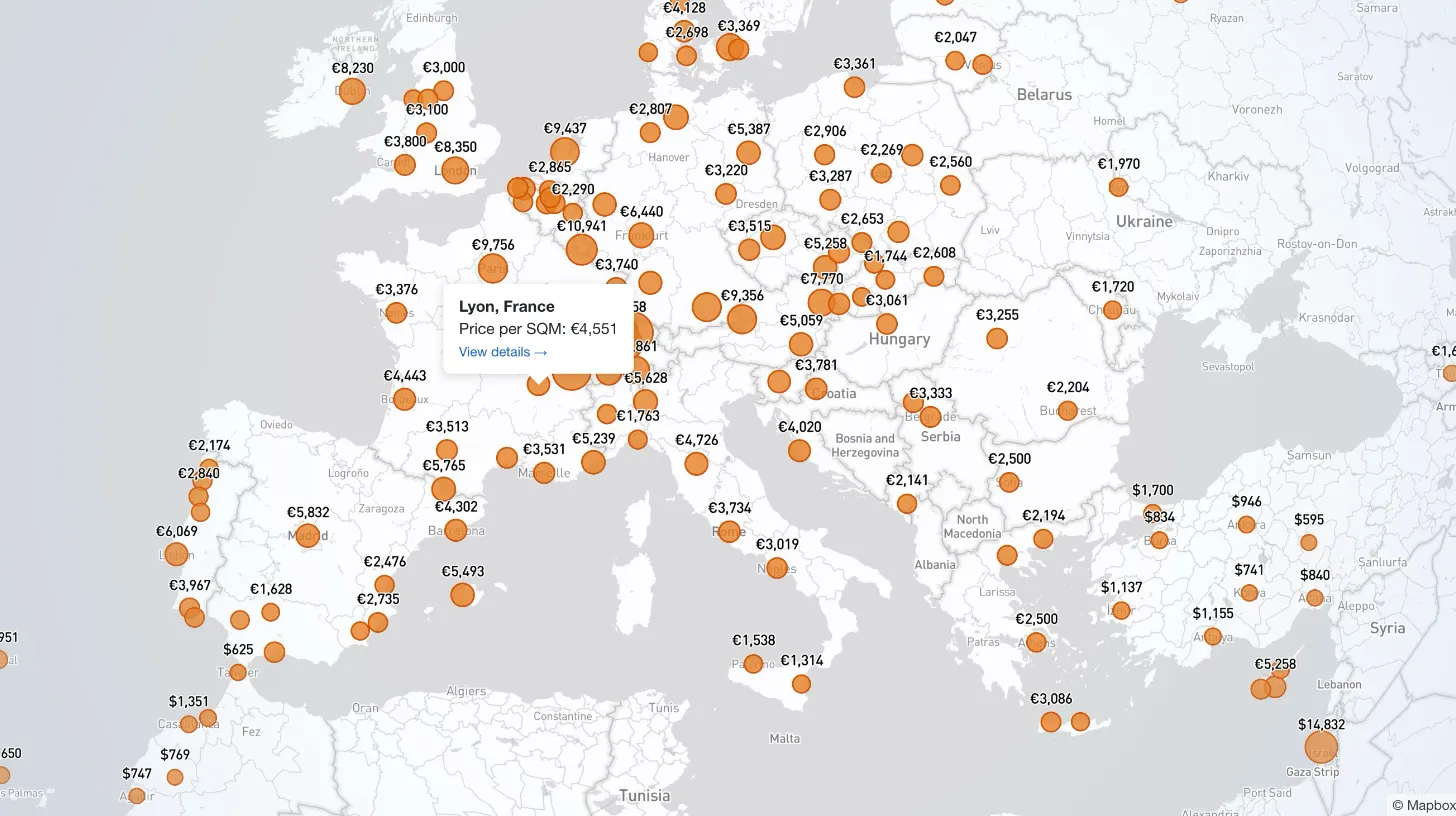
How I Built a Mapbox Globe for 38+ Real Estate Metrics
My client publishes real estate data for 80+ countries and wanted a single interactive view that could replace dozens of separate comparison tables. I built a Mapbox GL JS globe with 38+ switchable metrics, bubble and choropleth view modes, city drill-down, currency toggle, and pinned popups that deep-link into the country pages.
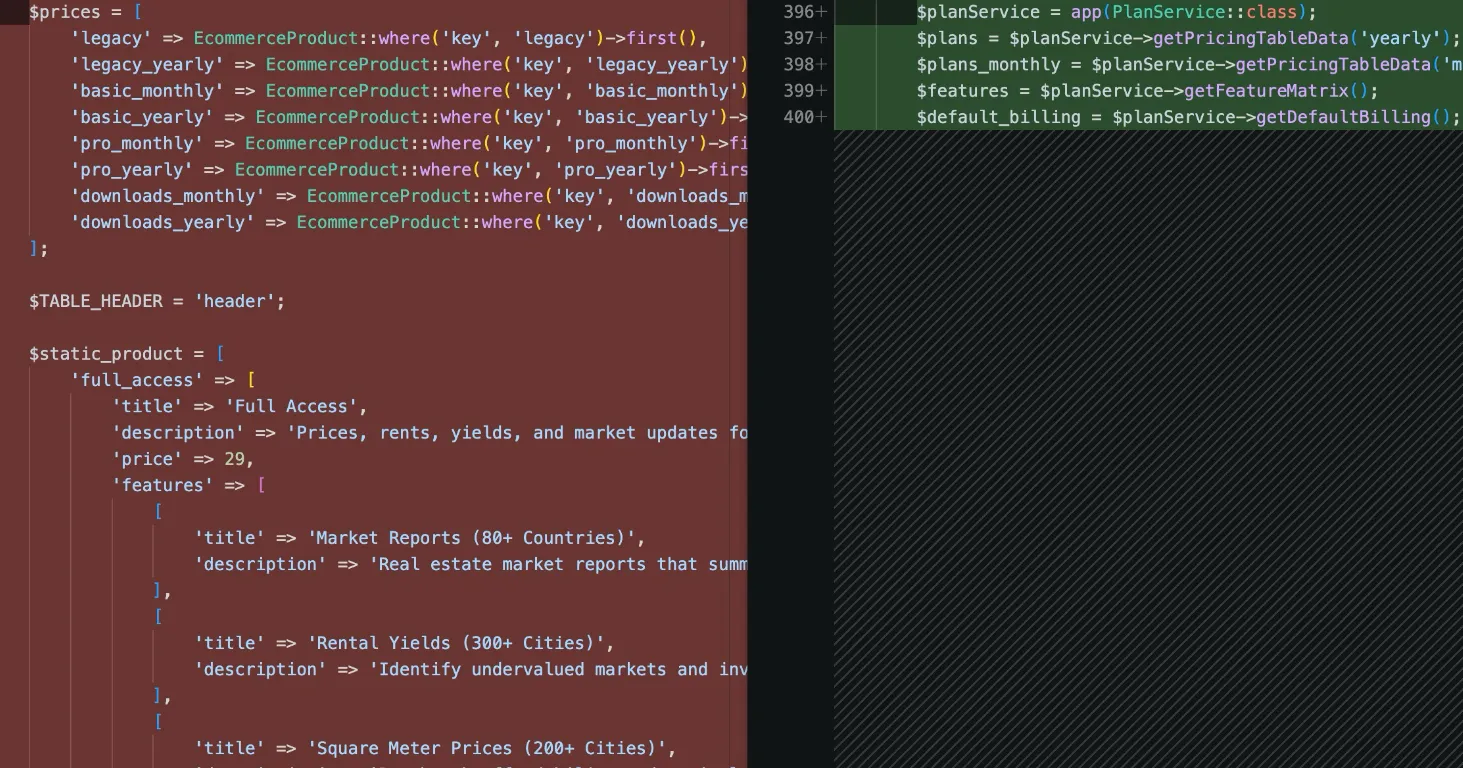
How I Refactored a Laravel Stripe Subscription and Deleted 4,628 Lines
Years of ever-changing client requirements had turned a Laravel subscription system into spaghetti code. Here is how I rebuilt it around a single config file and cut 4,628 lines.
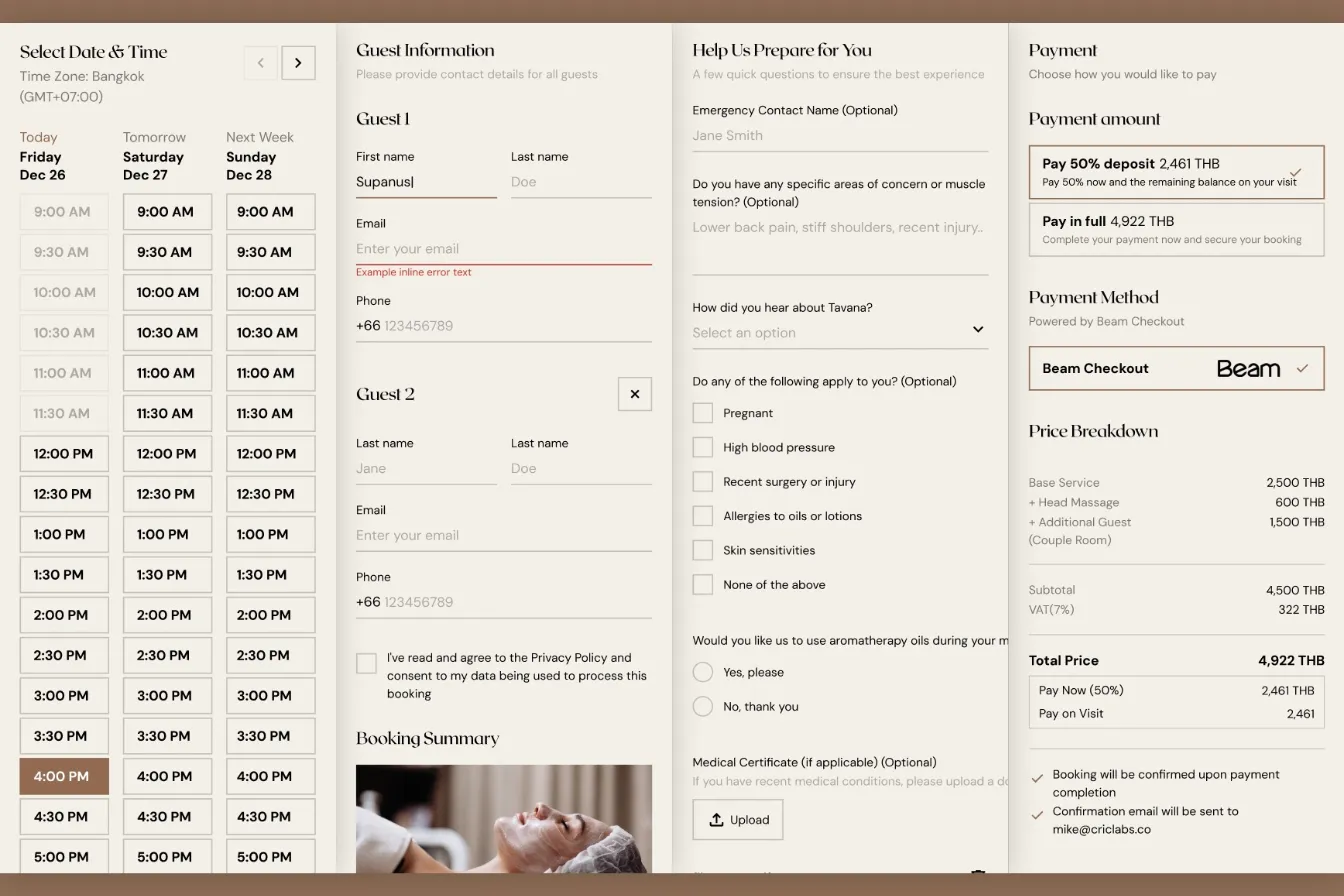
How I Built a Custom Webflow Booking System with Acuity and Beam APIs
I was hired by a software agency as a JavaScript specialist to build a booking system for their client who runs a luxury spa in Bangkok. Bridging Acuity Scheduling API and Beam Checkout API.
Building Real-Time Charts from Google Sheets: My Client-Side Scraping Approach
My client needed interactive, country-specific data charts embedded across their site. Rather than querying the server or paying for APIs, I built a client-side scraper to fetch data directly from Google Sheets in real-time.